Automating Your Daily Leave & WFH Report
Get a once-a-day summary of who is out or working from home posted straight to Slack, so managers skip the morning guesswork.
Every morning starts with the same quiet question: who is actually in today? Someone is on leave, someone else is working from home, and a third person messaged a manager directly two days ago about a doctor's appointment nobody wrote down. By the time you have pieced it together, half the morning is gone.
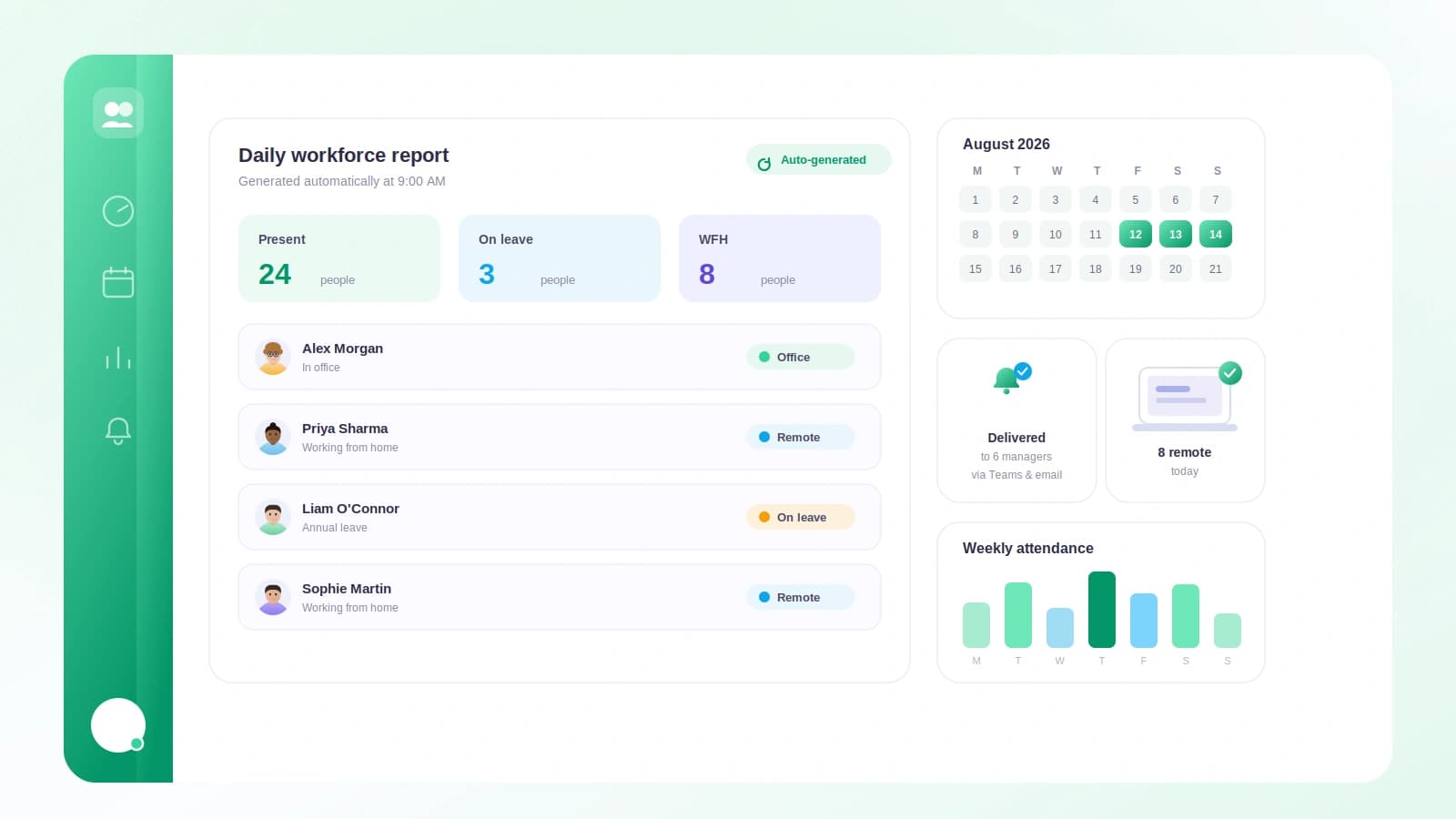
Tickin's Daily Leave & WFH report closes that gap. Once a day, at an hour you choose, it posts a clean summary of who is out and why, straight into Slack. No spreadsheet, no round of "is anyone covering for Sara?" messages, no guesswork.
What actually lands in the channel
The report is a simple table of everyone who is out today, grouped by reason, with per-type and total counts. It covers the categories your team really cares about:
- Work From Home
- Sick
- Casual
- Annual
- Paternity
- Maternity
If nobody is out, the report does not go silent. It posts a friendly "everyone is in today" note, so you always get a clear signal rather than wondering whether the report simply failed to run.
A couple of things are intentionally left out to keep the picture honest. Public Holiday and Unpaid Leave are excluded, so the table reflects people who are genuinely unavailable during a normal working day, not calendar noise.
Where it posts, and when
Delivery goes to Slack. The report lands in your Leave channel if you have one configured, and falls back to your Default channel if you have not set a dedicated one. (Other Tickin attendance notifications also support Microsoft Teams, if that is where your team lives.)
Timing is where the automation earns its keep. You pick the hour, from 0 to 23, and the report fires at the top of that hour in your workspace timezone. It runs from Tickin's single minute-aligned scheduler, so it arrives within about a minute of the time you set, and it stays correct across daylight saving changes without any fiddling on your end.
It is also considerate about the calendar:
- It posts only on your configured working days, so no reports pile up over the weekend.
- It skips public holidays, because a summary of who is out on a day everyone is off helps no one.
Turning it on and tuning it
The report is on by default, but it only actually posts once Slack is connected and a channel is set. That means there are no surprise messages before you are ready, and no configuration marathon to get value.
To set it up, head to Integrations and open the Daily leave report section. From there you can:
- Turn the report off entirely if it is not for your team.
- Pick the hour it posts, using the hour picker, in your workspace timezone.
- Hit Send test now to fire the report immediately.
That last button is the one to reach for first. Send test now posts the report on demand, so you can confirm the format looks right and it is landing in the channel you expected, all without waiting until tomorrow morning. Once it looks good, you leave it alone and it simply shows up every working day.
Why the once-a-day rhythm works
There is a reason this is a single daily post rather than a stream of alerts. A once-a-day summary matches how managers actually plan: you glance at it with your coffee, see that two people are on annual leave and one is working from home, and you adjust the day accordingly. It is a shared source of truth in a channel the whole team can see, which quietly ends the private "who's out?" pings that clog up direct messages.
The practical takeaway
If your mornings involve reconstructing team availability from memory and scattered messages, spend five minutes in Integrations → Daily leave report. Connect Slack, set your Leave or Default channel, pick an hour that fits your standup, and press Send test now to confirm it. After that, the answer to "who is in today?" is already waiting in the channel before anyone has to ask.