An HR Chatbot for Slack and Teams: Attendance Without Leaving Chat
How an HR chatbot turns Slack and Microsoft Teams into a full attendance and leave system, so managers run their team and approve requests without ever leaving chat.
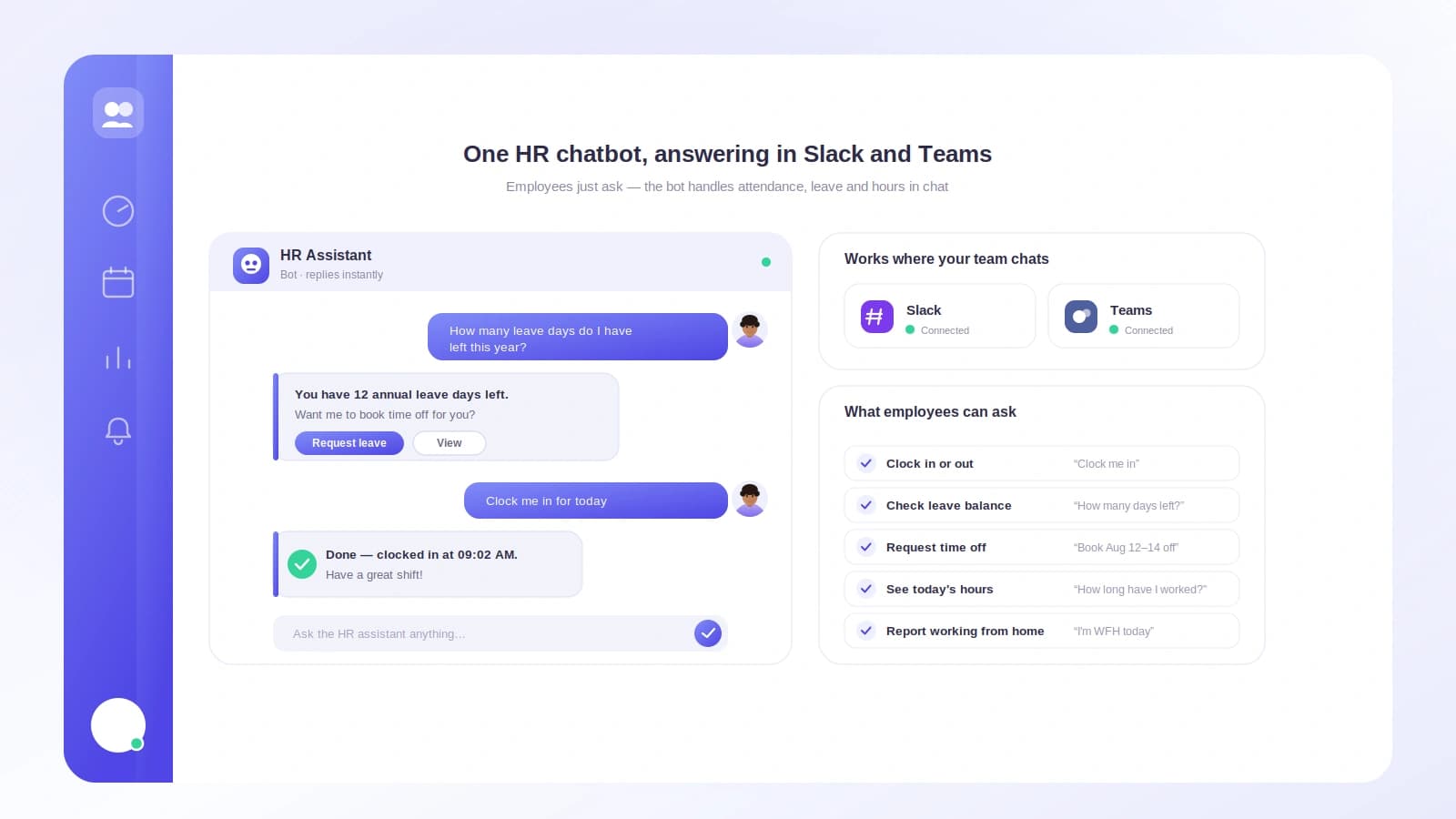
The promise of an HR chatbot is simple: stop making people leave the tool they work in to do routine HR. In practice, most bots only deliver the easy half, a clock-in command, and leave the real work, approvals and oversight, back in the browser.
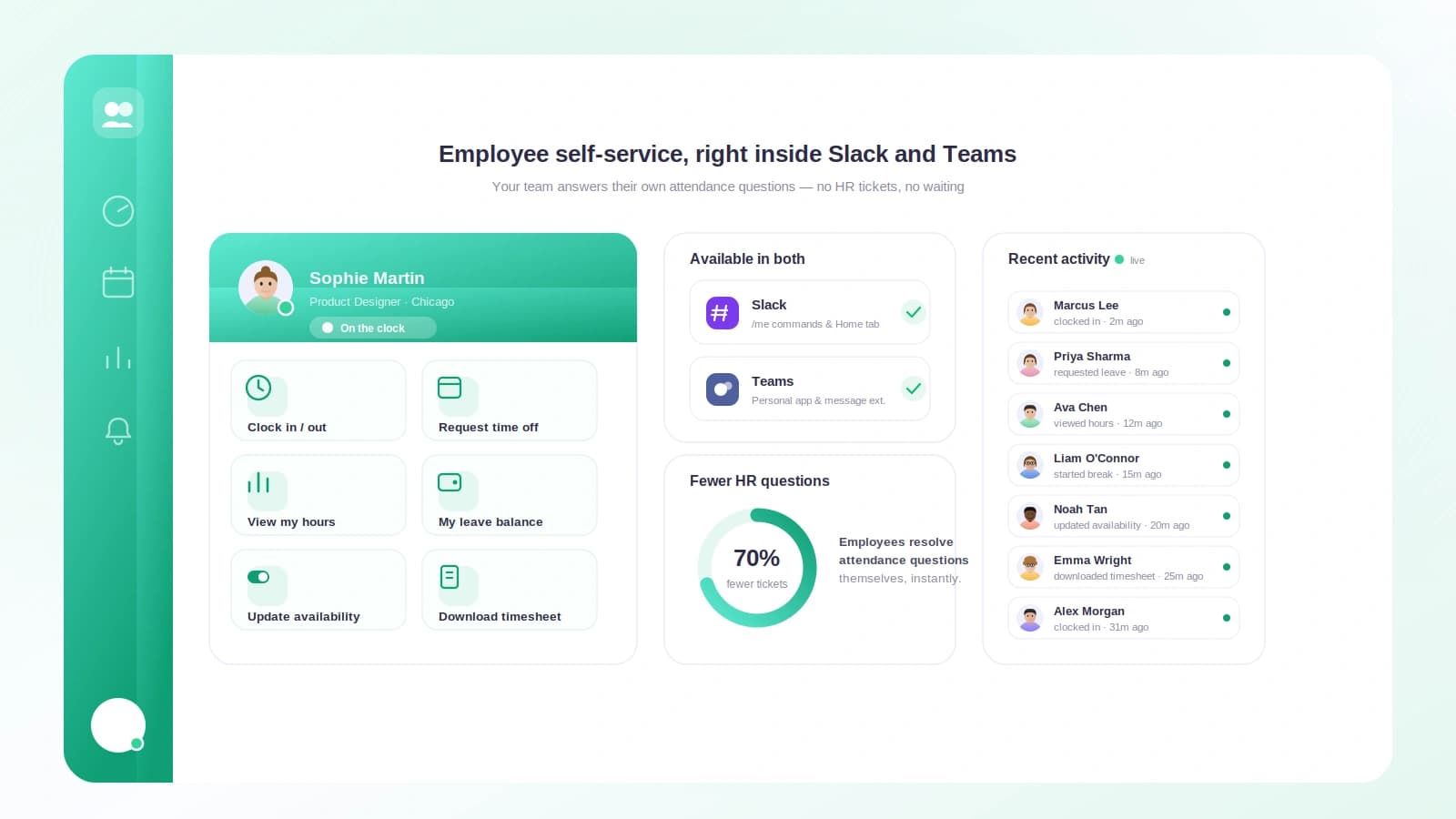
A complete HR chatbot for Slack and Microsoft Teams closes that gap. It lets employees self-serve and lets managers actually run their team from chat: see who is in, look people up, and approve requests, without ever switching apps.
TL;DR
- An HR chatbot handles attendance, leave, and approvals inside Slack or Microsoft Teams.
- Tickin's bot covers both sides: employee self-service and full manager oversight.
- Managers monitor their team, look up reports, and approve leave and corrections from chat.
- Permissions are enforced on the server, so people only see what their role allows.
Attendance without leaving chat
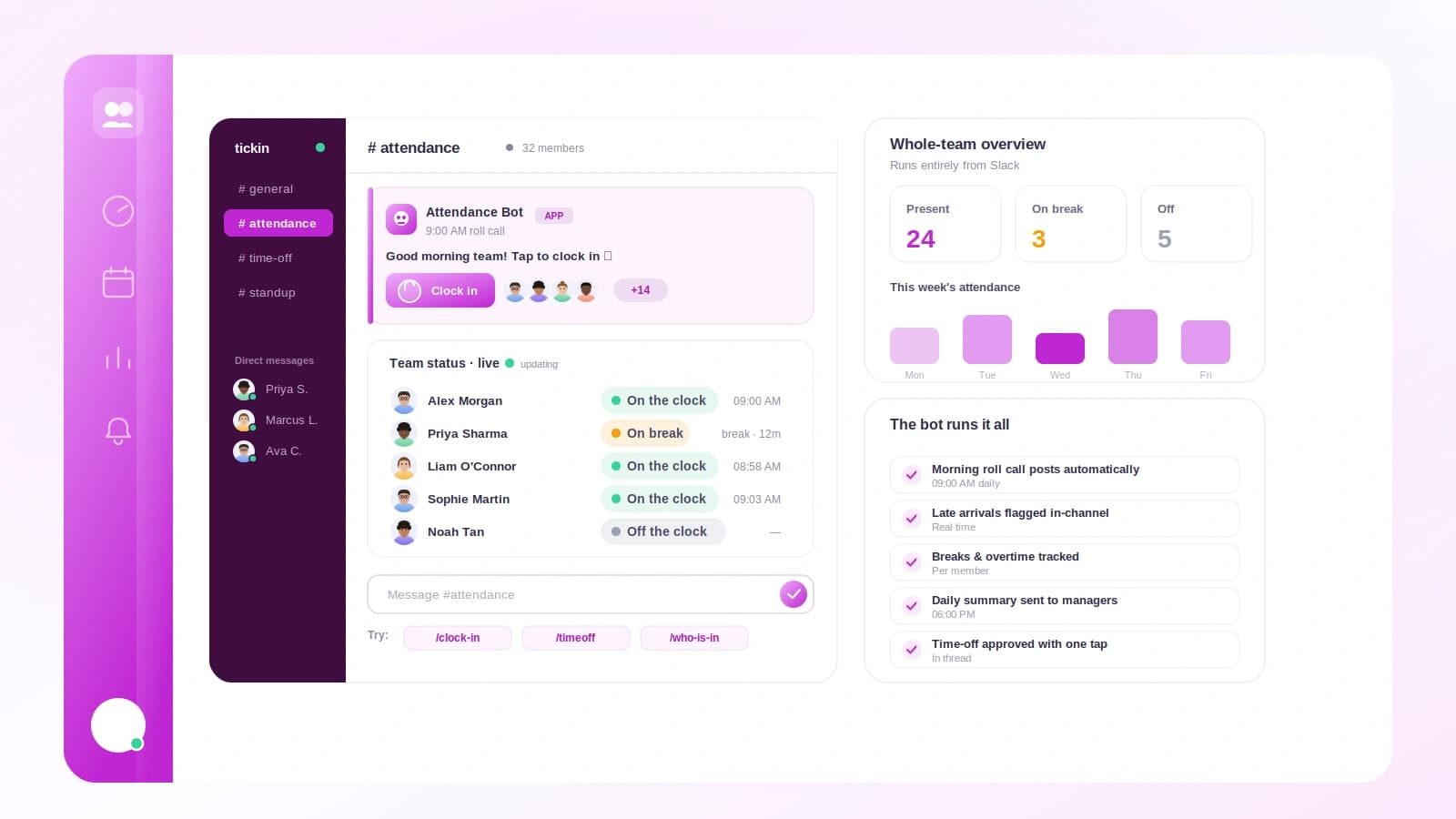
For the whole team, the day runs on /tickin: clock in, break, clock out, request leave, check a balance. Because it lives in Slack or Teams, it actually gets used, which is the entire point of tracking attendance in the first place. The employee side is genuinely self-serve, so HR fields far fewer questions.
Where managers get their time back
The manager experience is what separates a real HR chatbot from a clock-in gimmick:
- See the team.
/tickin team todayshows who is working, on break, late, on leave, or not checked in./tickin dashboardadds pending approvals and a needs-attention list. - Look anyone up.
/tickin empopens a searchable picker, no IDs, to pull a report's balance, attendance, profile, or history. - Approve in place.
/tickin approvalsand/tickin correctionslist pending leave and attendance corrections with Approve, Reject, and View Details buttons, using the same workflow and audit log as the web app. - Stay ahead. Late-arrival alerts, per-user notification preferences with
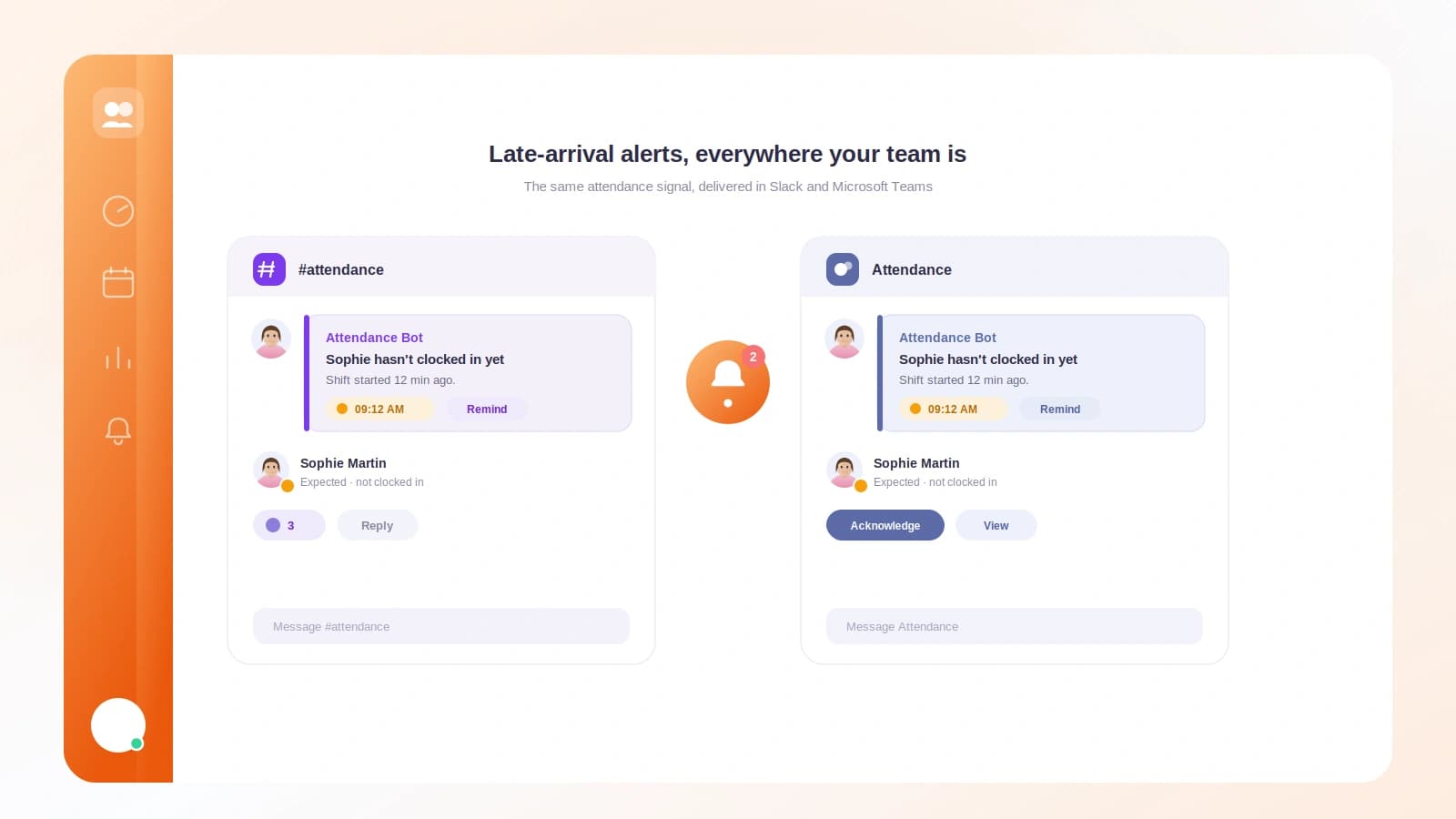
/tickin notifications, and scheduled reports with/tickin report subscribekeep managers informed without noise.
Built to respect roles
An HR chatbot handles sensitive data, so permissions cannot be an afterthought. Tickin checks every command on the server against the authenticated chat user. Employees see only themselves, team leads see only their direct reports, and admins reach the whole workspace, and search is scoped the same way, so a manager can never surface someone outside their team. Everything runs inside your workspace's own tenant boundary.
One system, two platforms
The chatbot is identical in Slack and Teams; only the card rendering differs. Admins get an extra layer, a workspace summary, organization-wide search, and company reports, so the same /tickin command scales from an individual employee to the whole company.
Attendance you never have to leave chat for is attendance that actually happens. Start with the Slack attendance bot or the Microsoft Teams attendance bot, or see everything in the Chat Command Center.