The Microsoft Teams Attendance Bot With Full Slack Parity
A Microsoft Teams attendance bot that does the whole job: clock-ins, leave, interactive Adaptive Card approvals, team dashboards, and scheduled reports, with the same commands as Slack.
If your company runs on Microsoft Teams, attendance should live there too. A Microsoft Teams attendance bot puts clock-ins, leave, and approvals inside the chat window people already keep open all day, so tracking hours stops being a separate chore in a separate app.
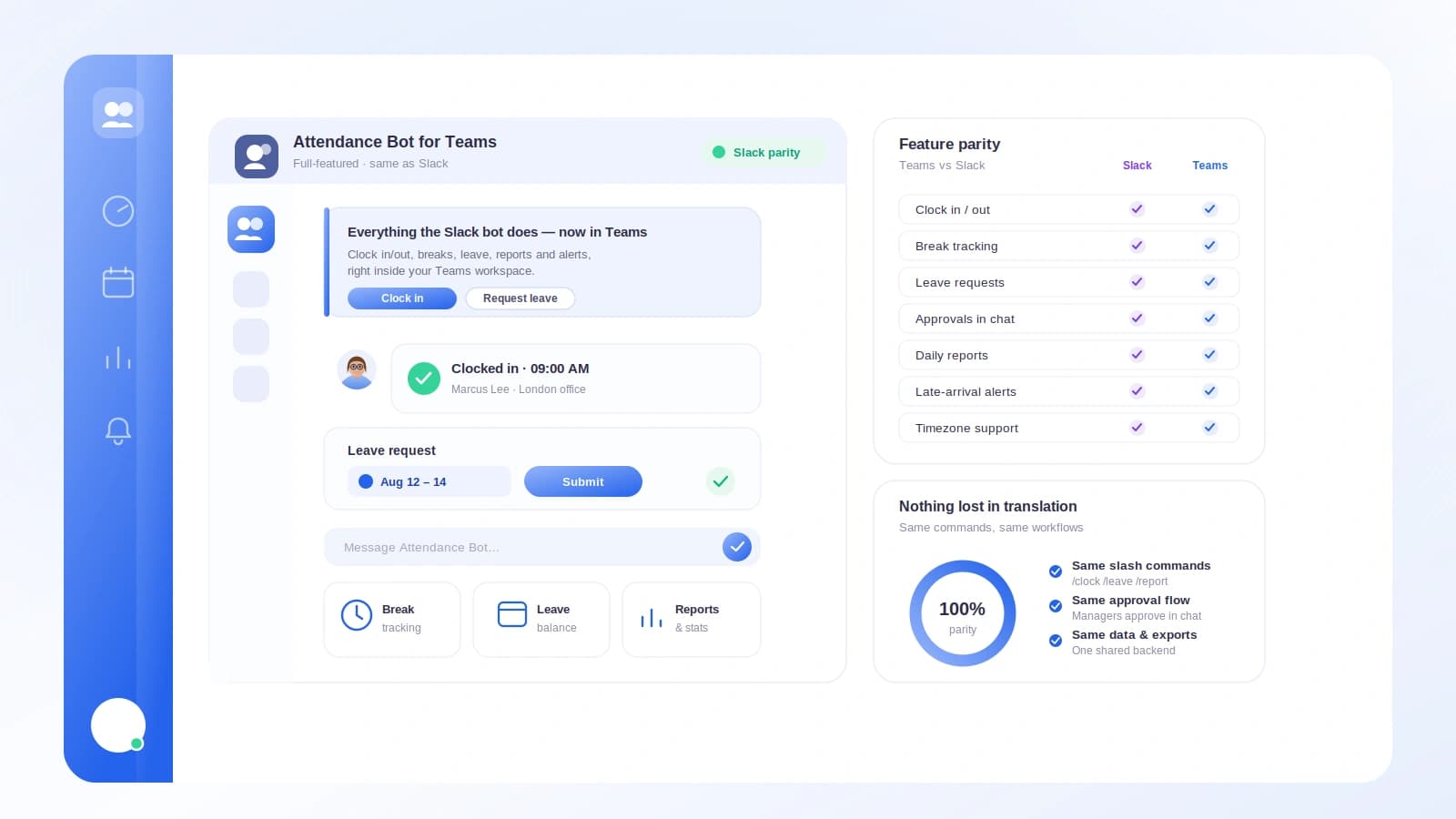
The catch with most Teams HR apps is that they do less than their Slack counterparts. Tickin does not. The Teams bot mirrors Slack command for command, so a team on either platform gets the same experience.
TL;DR
- A Microsoft Teams attendance bot lets people clock in, break, and request leave from chat, with records syncing to a central HR system.
- Tickin's Teams bot has full parity with Slack: dashboards, employee lookups, interactive approvals, and scheduled reports.
- Approvals render as Adaptive Cards with real Approve, Reject, and View Details buttons.
- Setup uses your own Azure Bot per tenant, on the Scale tier.
Everything an employee needs, in Teams
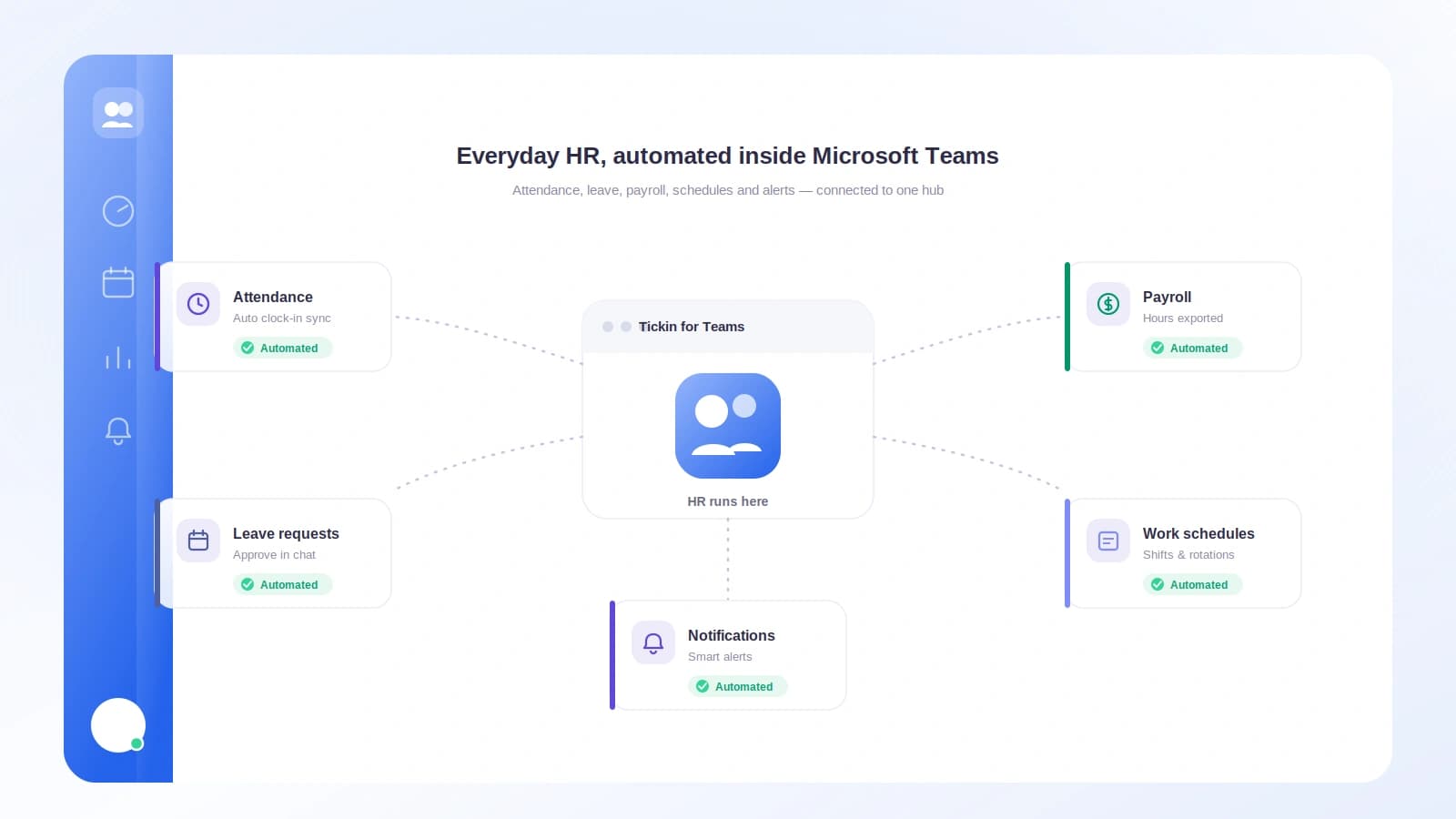
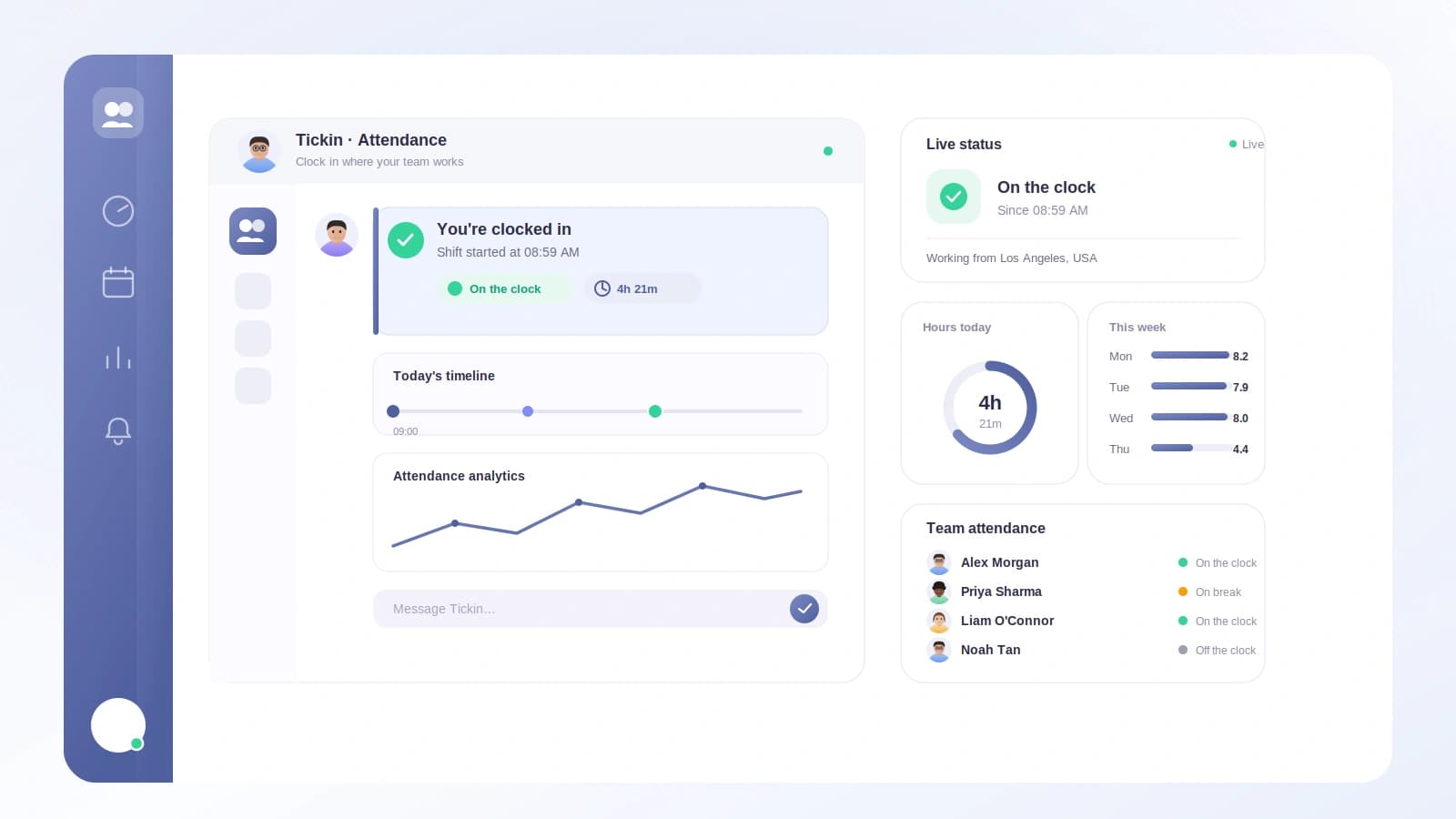
From a Teams message, an employee clocks in with /tickin start, out with /tickin end, and takes a break with /tickin break. They request leave with /tickin leave through a short form, check their balance with /tickin balance, see today's attendance with /tickin today, and open their schedule and profile, no browser required. A live feed of clock-ins and clock-outs can also post to a Teams channel, so managers see who is on shift at a glance.
Interactive Adaptive Card approvals
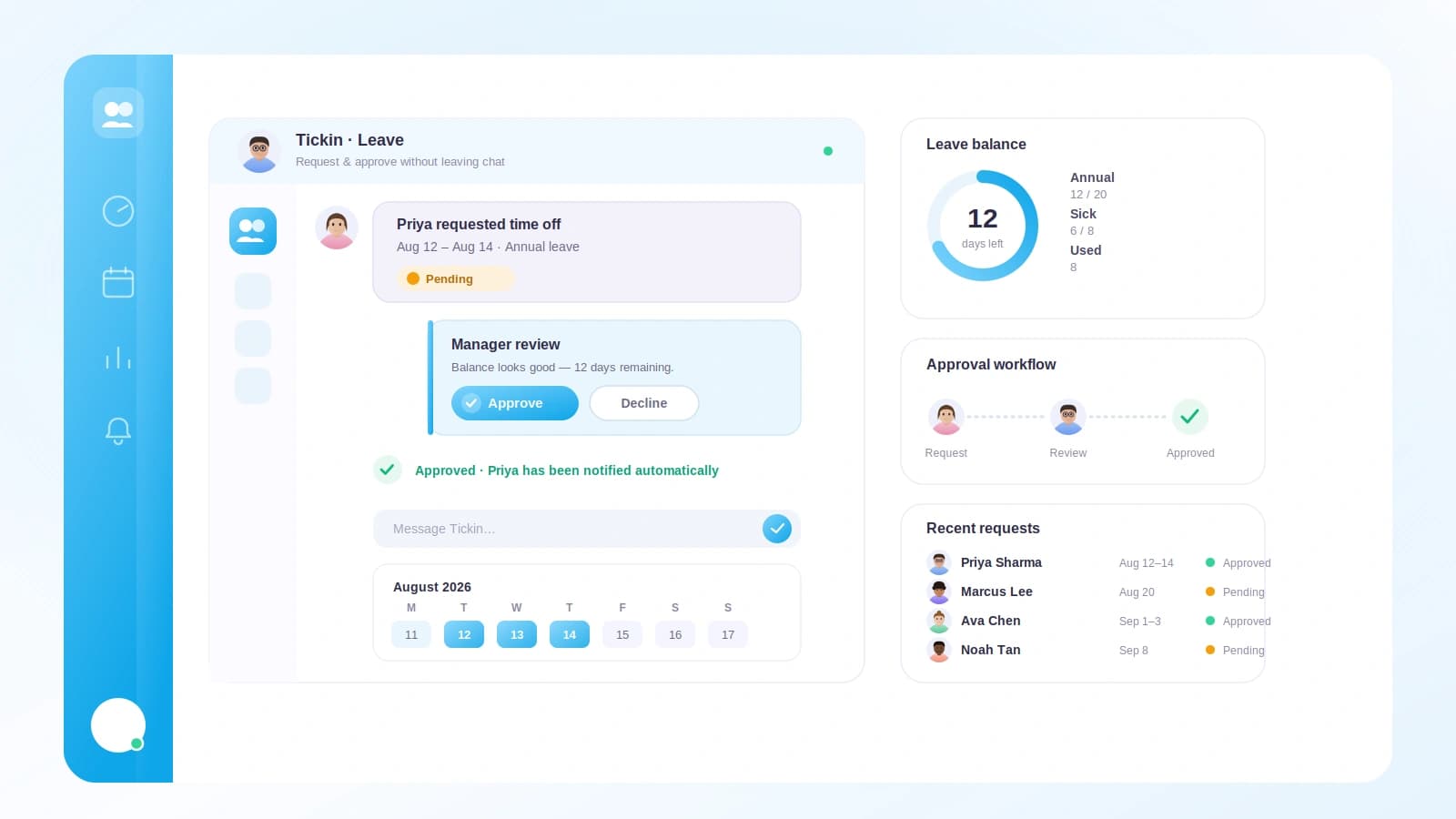
This is where parity matters. A manager runs /tickin approvals and gets pending leave as Adaptive Cards with Approve, Reject, and View Details buttons. /tickin corrections does the same for attendance corrections. The decision syncs back instantly using the same workflow and audit log as the web app, so nothing is a lightweight shortcut around your process. It is the same leave management you would run in the browser, just faster.
Team visibility and dashboards
/tickin team today shows who is working, late, on leave, or absent. /tickin dashboard adds a needs-attention rollup and pending approvals. /tickin emp looks up any direct report's balance, attendance, profile, or history through a searchable card, so no one types IDs. As with Slack, it is strictly permission-aware: team leads see only their reports, and admins reach the whole workspace with /tickin workspace and /tickin directory. Every check runs on the server against the authenticated Teams user.
Alerts, preferences, and scheduled reports
Late-arrival and early-departure alerts post to Teams so managers catch issues early, and each person tunes what reaches them with /tickin notifications. With /tickin report subscribe, anyone can receive a daily, weekly, or monthly report as a Teams message, scoped to their role and gated by their preferences. You choose whether alerts and reports route to Slack or Teams, and Tickin follows your connected integration.
Setup on the Scale tier
The Teams integration is configured per tenant with your own Azure Bot, giving you control over how Tickin connects to your environment. Once it is registered and pointed at Tickin, the full command set works in Teams with the same role-based permissions as Slack.
Prefer Slack, or run both? The Slack attendance bot is identical, and the combined Chat Command Center covers both platforms in one place.