The Slack Attendance Bot That Runs Your Whole Team
What a modern Slack attendance bot should do: clock-ins, leave, interactive approvals, team dashboards, and scheduled reports, all from one /tickin command that respects each person's role.
Most attendance tools fail for the same quiet reason: they ask people to leave the app they already work in. A Slack attendance bot removes that friction. If the clock lives where the conversation lives, more punches actually happen, and the timesheet stops being a Friday-afternoon reconstruction.
But "clock in from Slack" is only the starting point. The best Slack attendance software does the whole job, from a fumbled morning clock-in to a manager approving leave between meetings, without anyone opening a browser. Here is what that looks like with Tickin's Slack bot.
TL;DR
- A Slack attendance bot lets people clock in, break, and request leave from chat, with records syncing to a central HR system.
- The best ones go beyond clock-ins: interactive leave and correction approvals, team dashboards, and scheduled reports.
- Everything runs through one
/tickincommand that adapts to the person's role. - Setup is a one-click Slack marketplace install with OAuth, no tokens or webhooks.
One command, for everyone
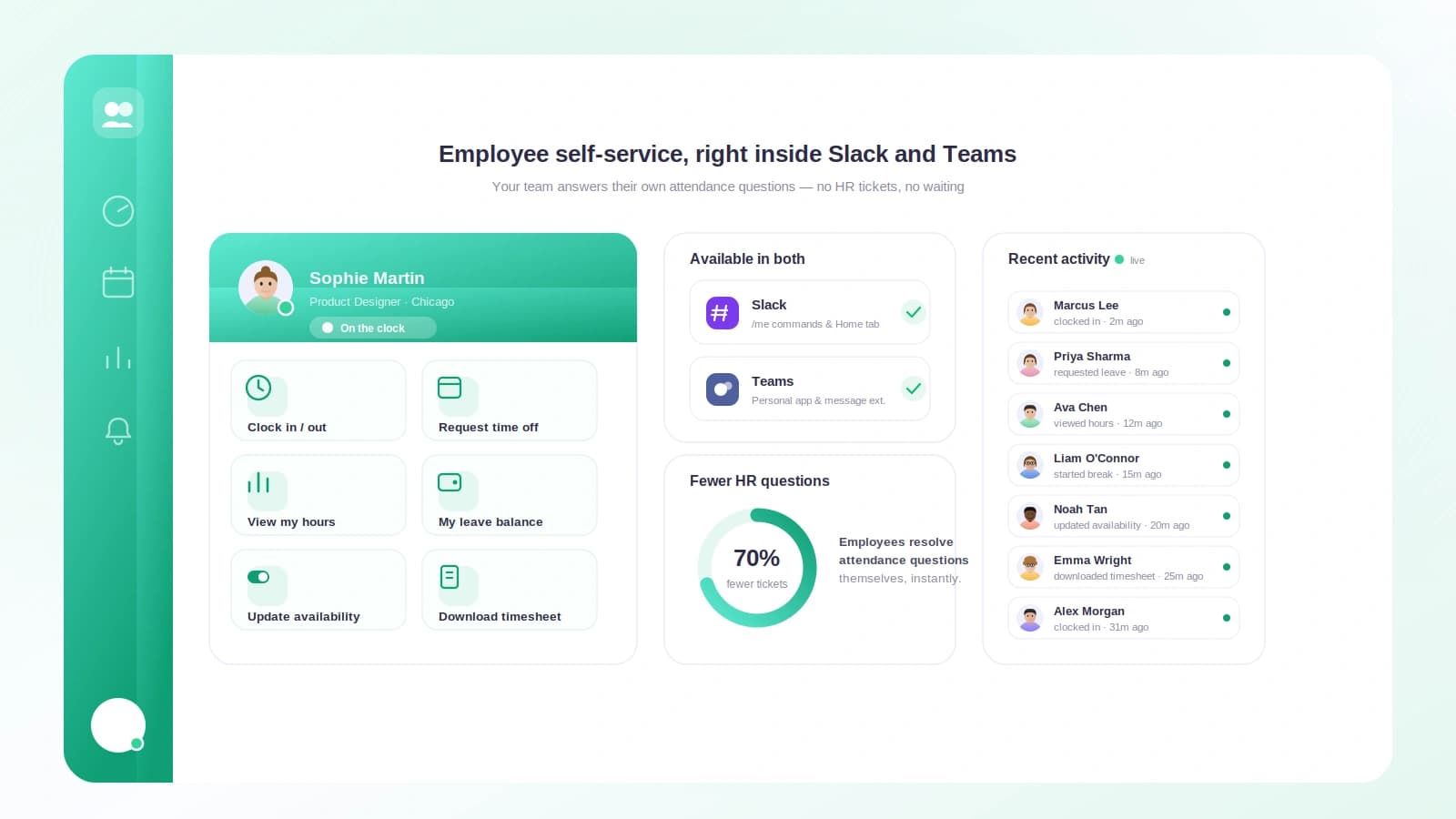
Tickin runs on a single command, /tickin, and it adapts to who is asking. An employee gets self-service. A manager gets their team. An admin gets the whole workspace. Type /tickin on its own and it opens a role-aware home with quick-action buttons, so there is nothing to memorise.
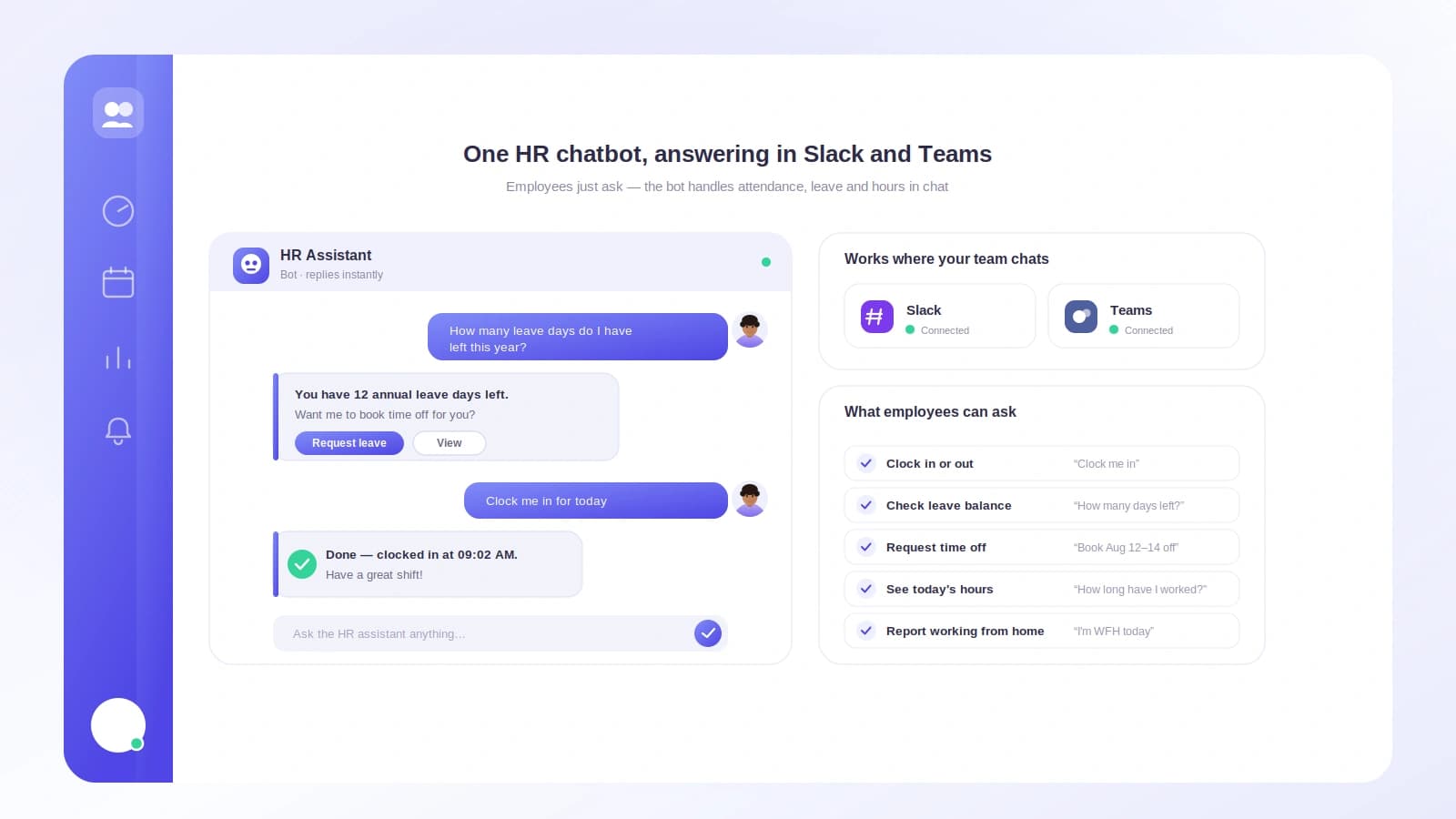
For an employee that means: clock in with /tickin start, clock out with /tickin end, take a break with /tickin break, and request time off with /tickin leave, which opens a short form. They can check a balance with /tickin balance, see today's summary with /tickin today, and view their schedule and profile, all from chat. Every action syncs back so timesheets and balances stay accurate.
Approvals that actually happen in Slack
The part most "attendance bots" skip is the approval. With Tickin, a manager runs /tickin approvals and sees pending leave with Approve, Reject, and View Details buttons. /tickin corrections does the same for attendance corrections like a missed clock-out. Tapping a button uses the exact same workflow and audit log as the web app, so nothing is a shortcut that skips your process. That is what turns a novelty into real leave management.
See the team without chasing anyone
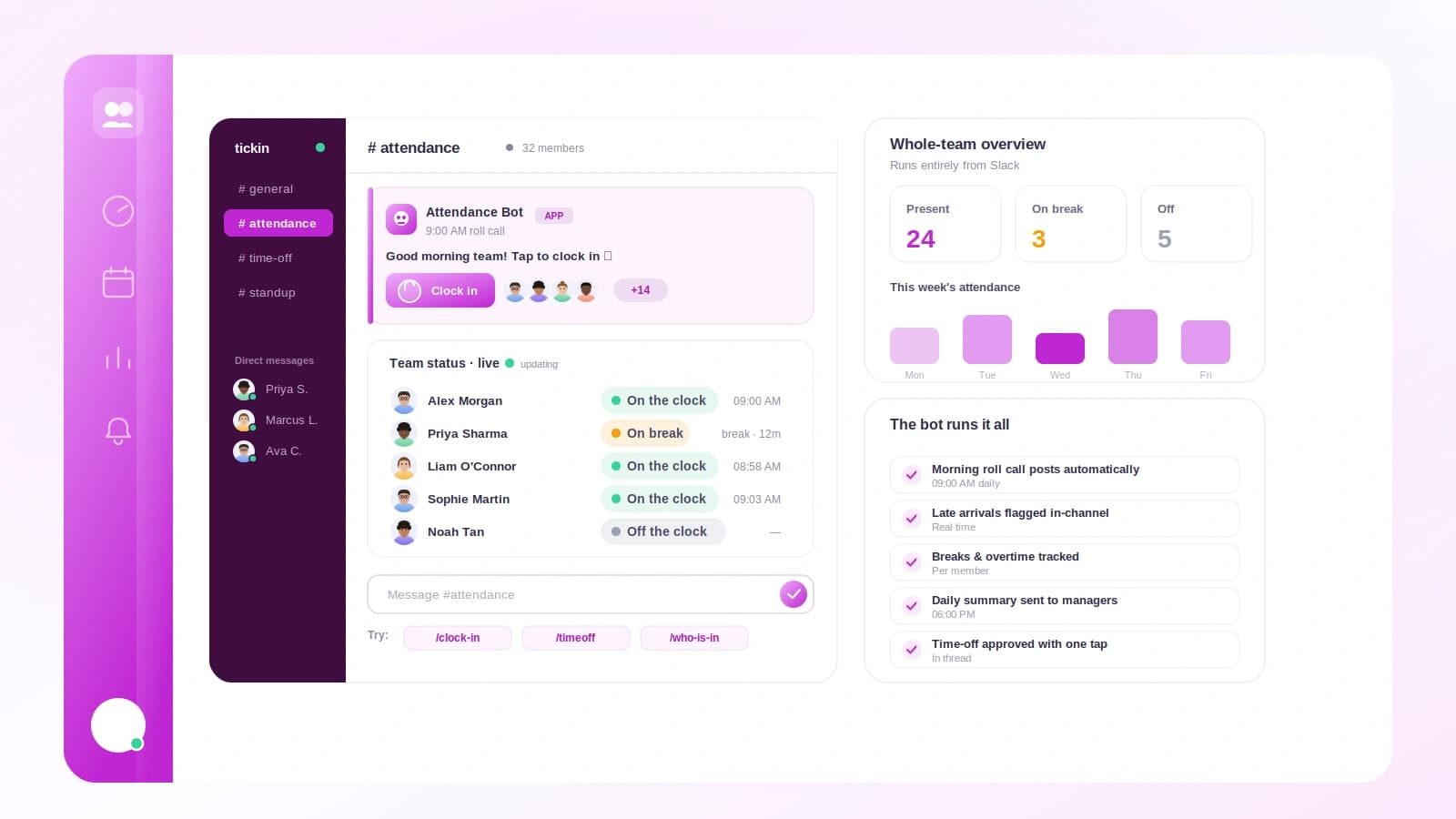
/tickin team today shows who is working, on break, late, on leave, or not checked in. /tickin dashboard adds pending approvals and a needs-attention list, like anyone late three or more times this month. To look up one person, /tickin emp opens a searchable picker, so nobody types employee IDs, and pulls their balance, attendance, profile, or recent history.
Crucially, this is permission-aware. A team lead only ever sees their direct reports, even in search. Admins get workspace-wide reach with /tickin workspace, /tickin directory, and /tickin search. Permissions are enforced on the server against the authenticated Slack user, never trusted from the message.
Alerts and scheduled reports, on your terms
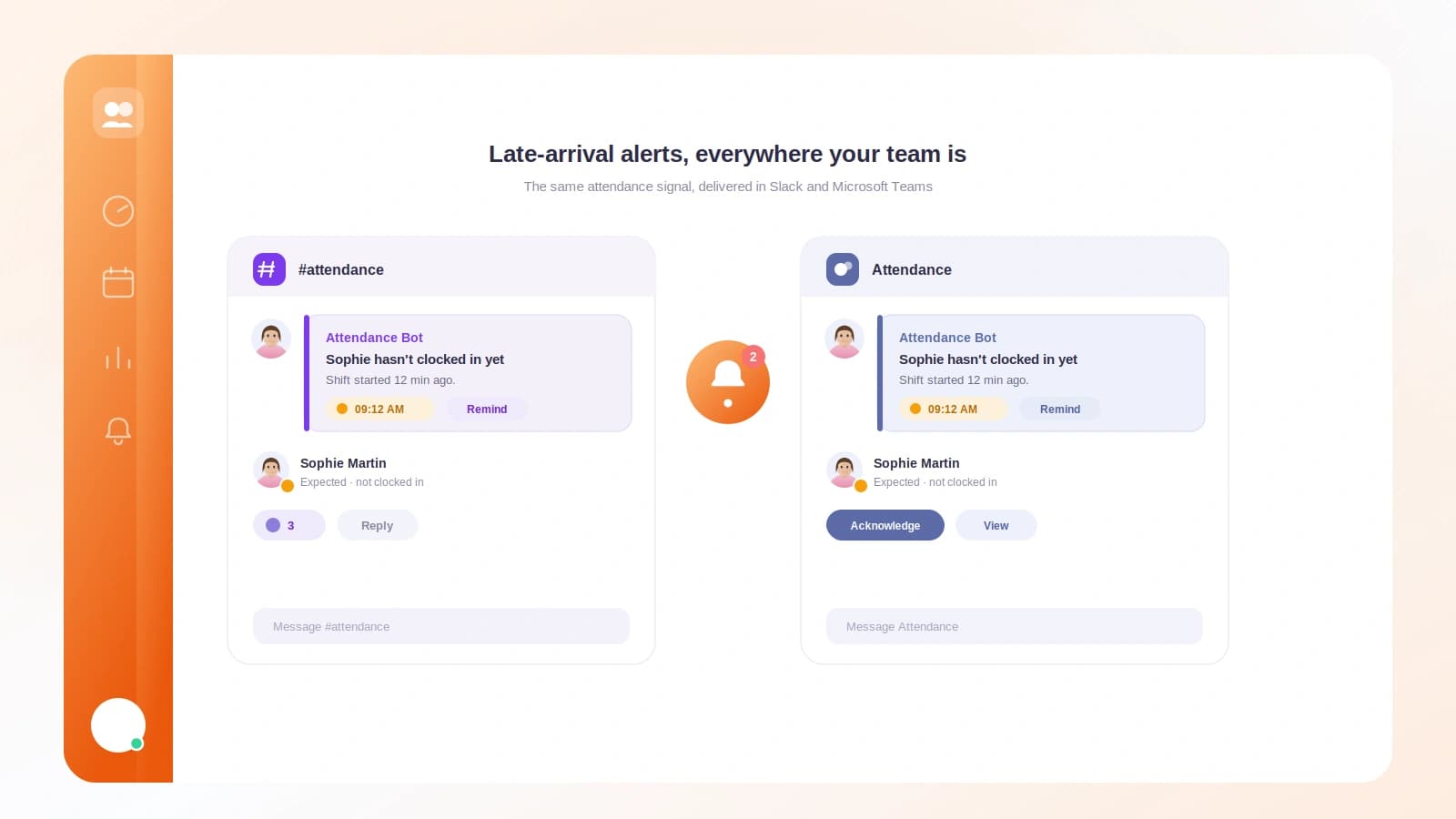
Tickin sends late-arrival and early-departure alerts to managers so issues get caught early. Each person controls what reaches them with /tickin notifications, toggling categories on or off. And with /tickin report subscribe, anyone can get a daily, weekly, or monthly attendance report delivered to their Slack DMs, scoped to their role and gated by their preferences.
Setup takes minutes
Tickin is a single Slack marketplace app. Click Add to Slack, authorize with OAuth, and you are done, no tokens, webhooks, or per-channel wiring. If your team lives in Microsoft Teams instead, the same experience runs there command for command.
The lesson from every team that has switched is the same one: the tool people actually use beats the tool with more features. Put attendance where your team already talks, and it just happens. See the full picture in the Chat Command Center, or read how teams clock in and out in Slack day to day.