Employee Self-Service in Slack and Microsoft Teams
Let employees handle their own attendance, leave, and schedule from chat. A practical look at HR self-service inside Slack and Microsoft Teams, without another login.
Every HR team knows the drip of small interruptions: "How many leave days do I have left?" "Did my time off get approved?" "What are my hours today?" Individually they take a minute. Together they eat an afternoon.
Employee self-service answers those questions before they reach a person, and the best place for it is the chat app your team already keeps open. Here is what real self-service looks like inside Slack and Microsoft Teams with Tickin.
TL;DR
- Self-service lets employees answer their own attendance and leave questions from chat.
- With Tickin, that means clock-ins, breaks, leave requests, balances, schedule, profile, and history, all through
/tickin. - It works identically in Slack and Microsoft Teams, with no separate login.
- Fewer interruptions for HR, faster answers for everyone.
The daily basics, without a browser
The core of self-service is the daily loop. An employee clocks in with /tickin start, takes a break with /tickin break, and clocks out with /tickin end. If they need time off, /tickin leave opens a short form, and the request routes to the right approver automatically. None of it requires opening the web app, which is exactly why attendance actually gets recorded.
Answering "how much leave do I have?"
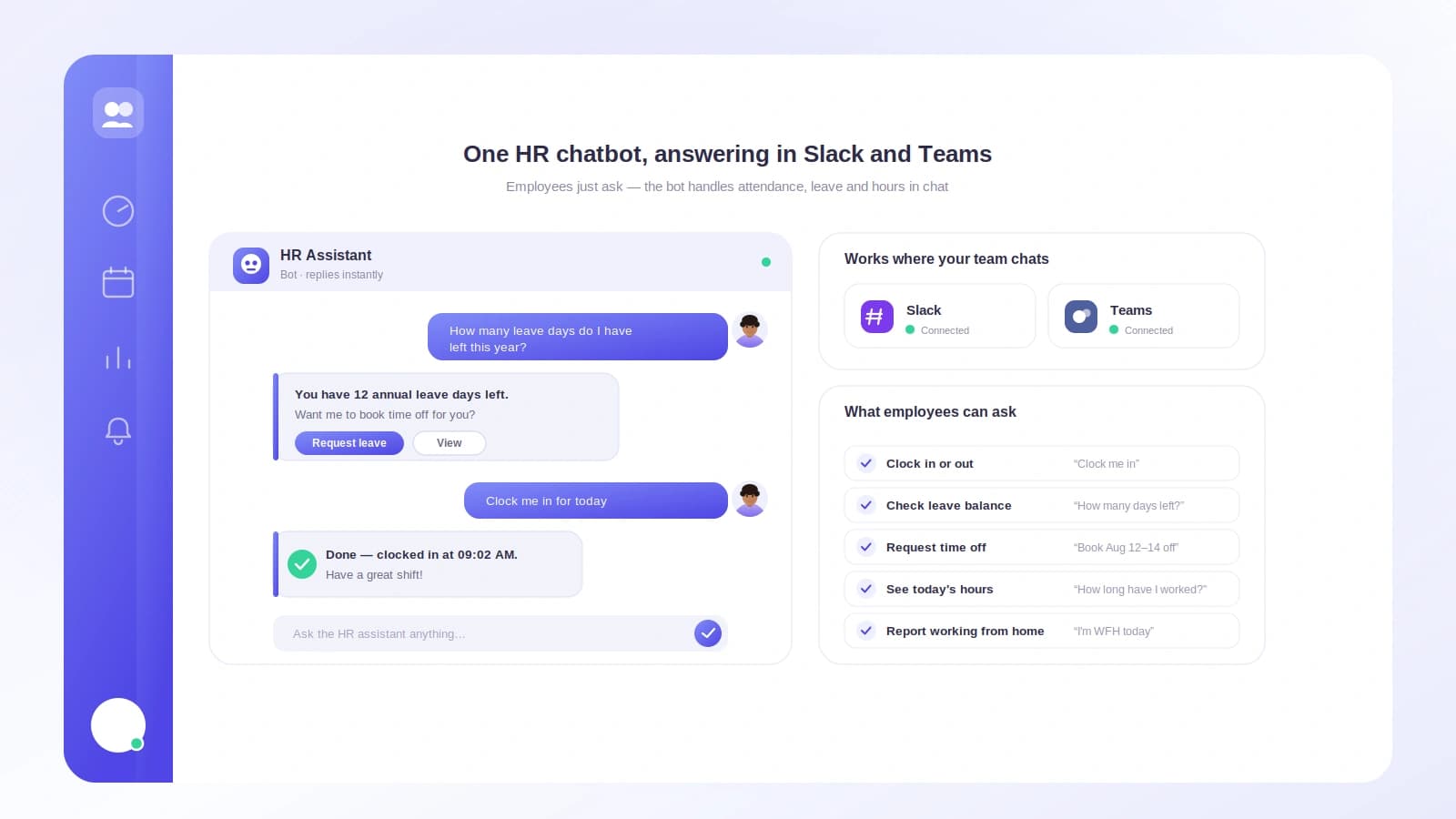
/tickin balance shows remaining, used, and pending leave by type, plus the last request. That single command retires a whole category of HR pings. /tickin upcoming adds approved time off and public holidays, so people plan around the calendar instead of guessing.
Knowing where you stand today
/tickin today gives an employee their own summary: clock-in and clock-out times, hours worked, break time, and attendance status. /tickin me opens a read-only profile, department, manager, joining date, office hours, and their current status. /tickin schedule and /tickin shift show working days and today's and tomorrow's shift. It is everything a person needs to check on themselves, without messaging a manager.
The same experience, either platform
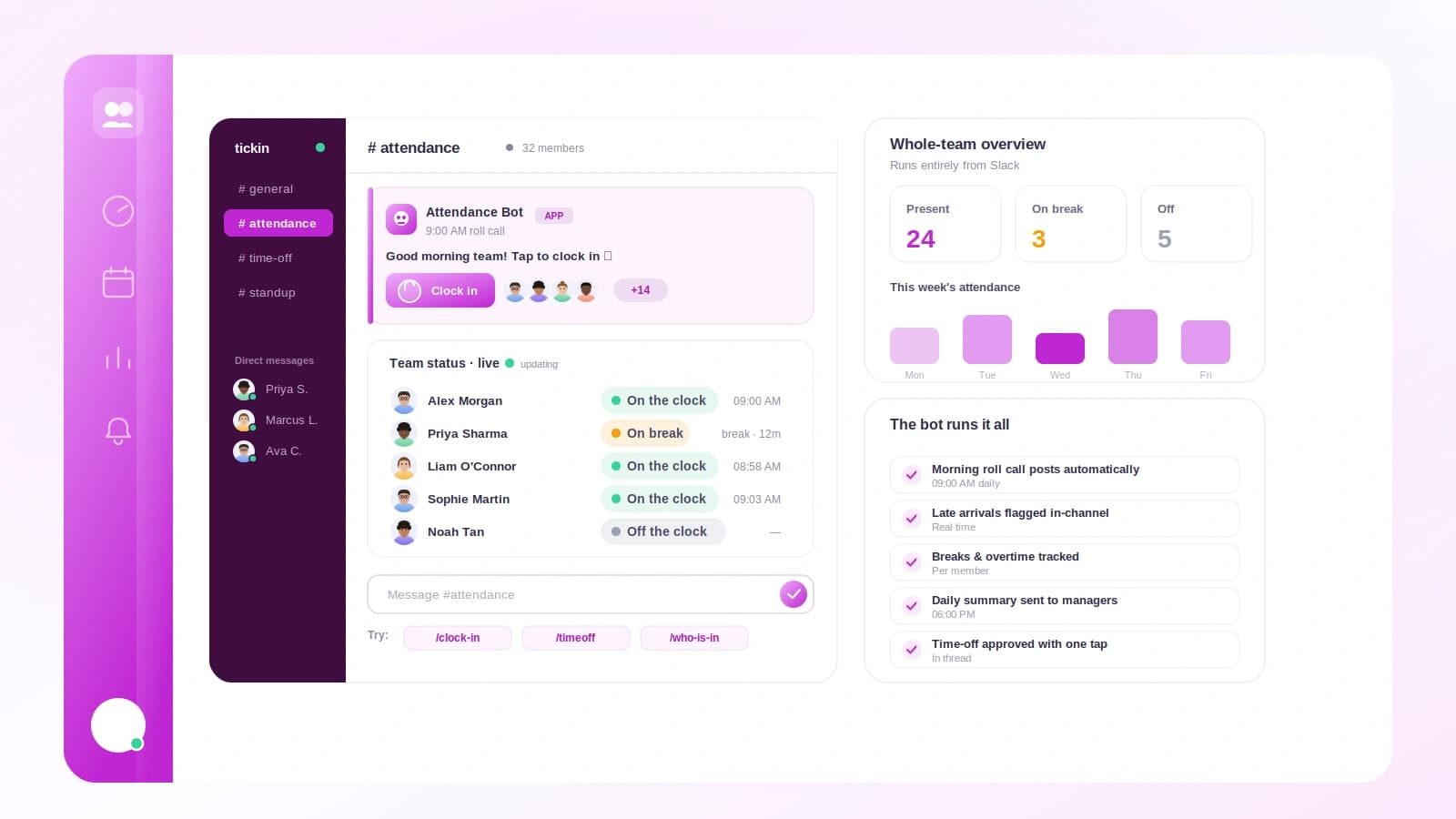
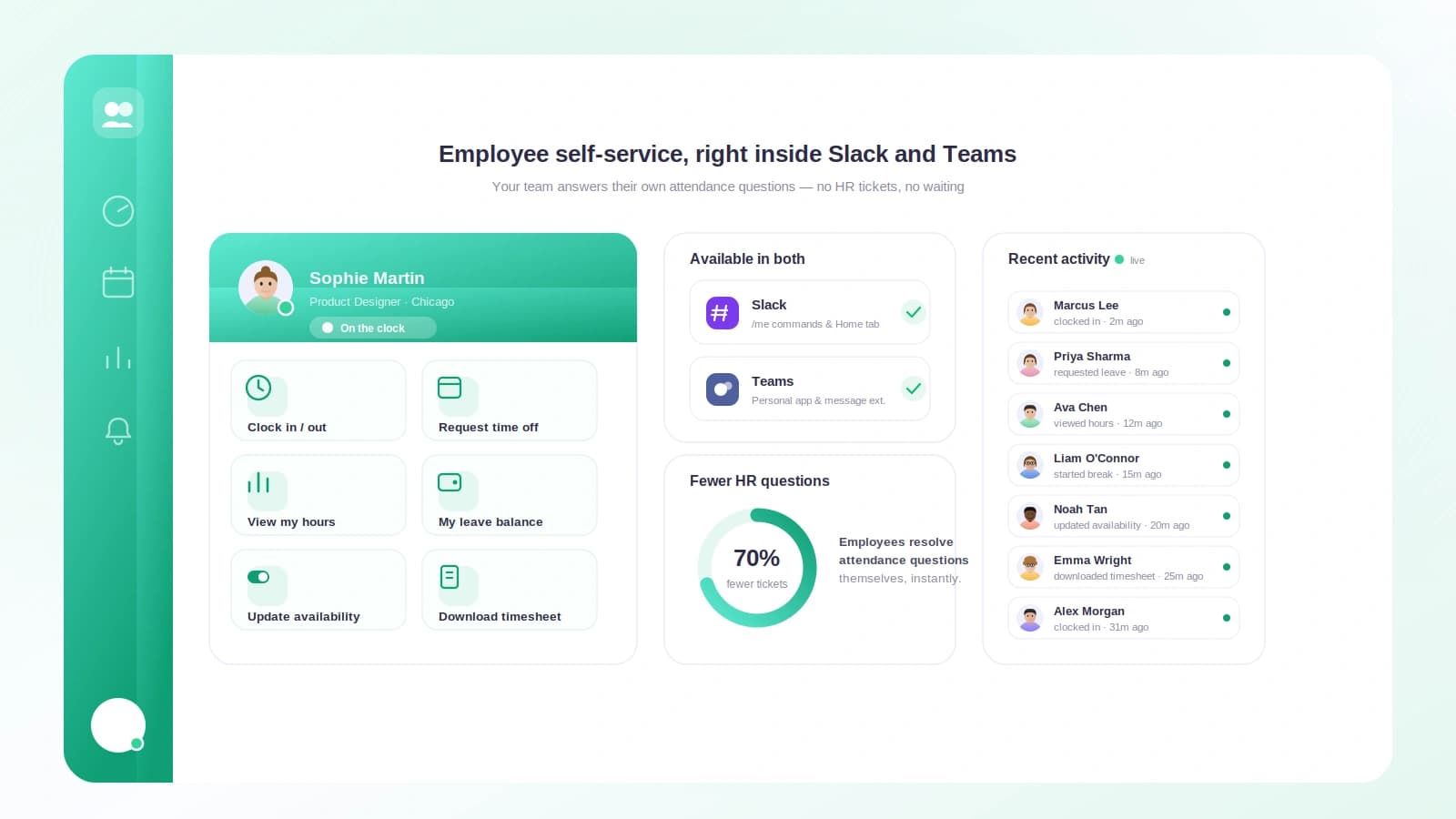
Self-service is identical in Slack and Microsoft Teams. The commands are the same; only the rendering differs, Block Kit in Slack, Adaptive Cards in Teams. Type /tickin on its own and it opens a personal home with quick-action buttons for clocking in, requesting leave, and checking a balance, so even first-time users never have to memorise anything.
Good self-service is quiet. People get their answers, HR gets its afternoon back, and the records stay accurate because they were captured where the work already happens. For the manager side of the same system, see team management in chat.