Attendance Policy Best Practices for Modern Teams
Write a fair, clear attendance policy your team actually trusts, and back every rule with the right settings in Tickin.
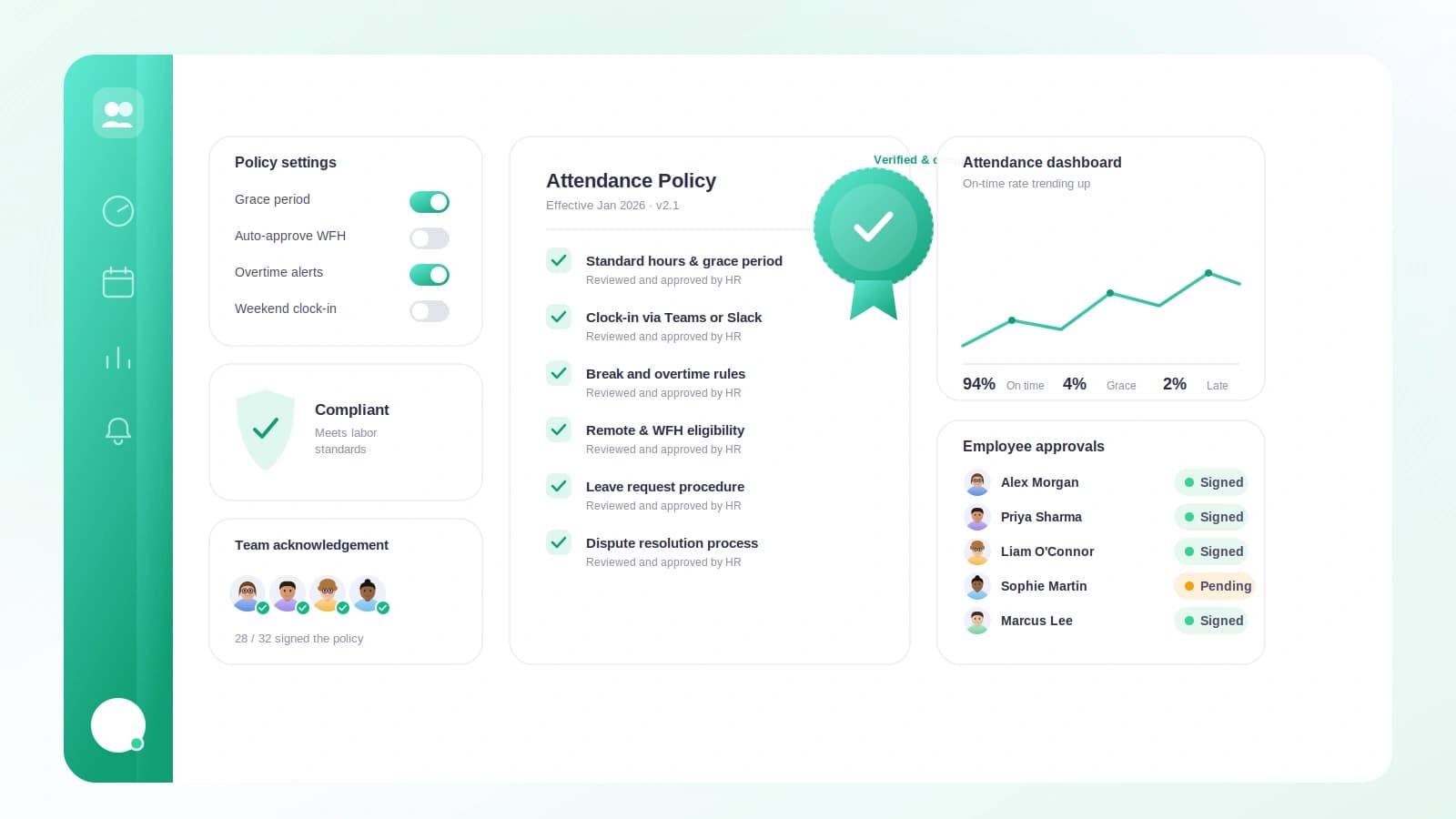
A good attendance policy is not about catching people out. It is about setting clear, shared expectations so everyone knows what a normal working day looks like, and so nobody feels singled out. The best policies are short, written down, and consistent. Here is how to build one, and how to back each principle with the right settings in Tickin (Settings, then Work schedule).
Define office hours clearly
Start with the obvious question: when does the working day begin and end? If people are guessing, you will get inconsistency and quiet resentment. Write a plain start and end time into your policy, and make sure it matches what you actually expect.
In Tickin, set your office hours (start and end) under Work schedule. These hours describe your expected schedule and drive how lateness is calculated and displayed. They are not the same thing as payable hours, which brings us to the next point.
Separate the schedule from payable hours
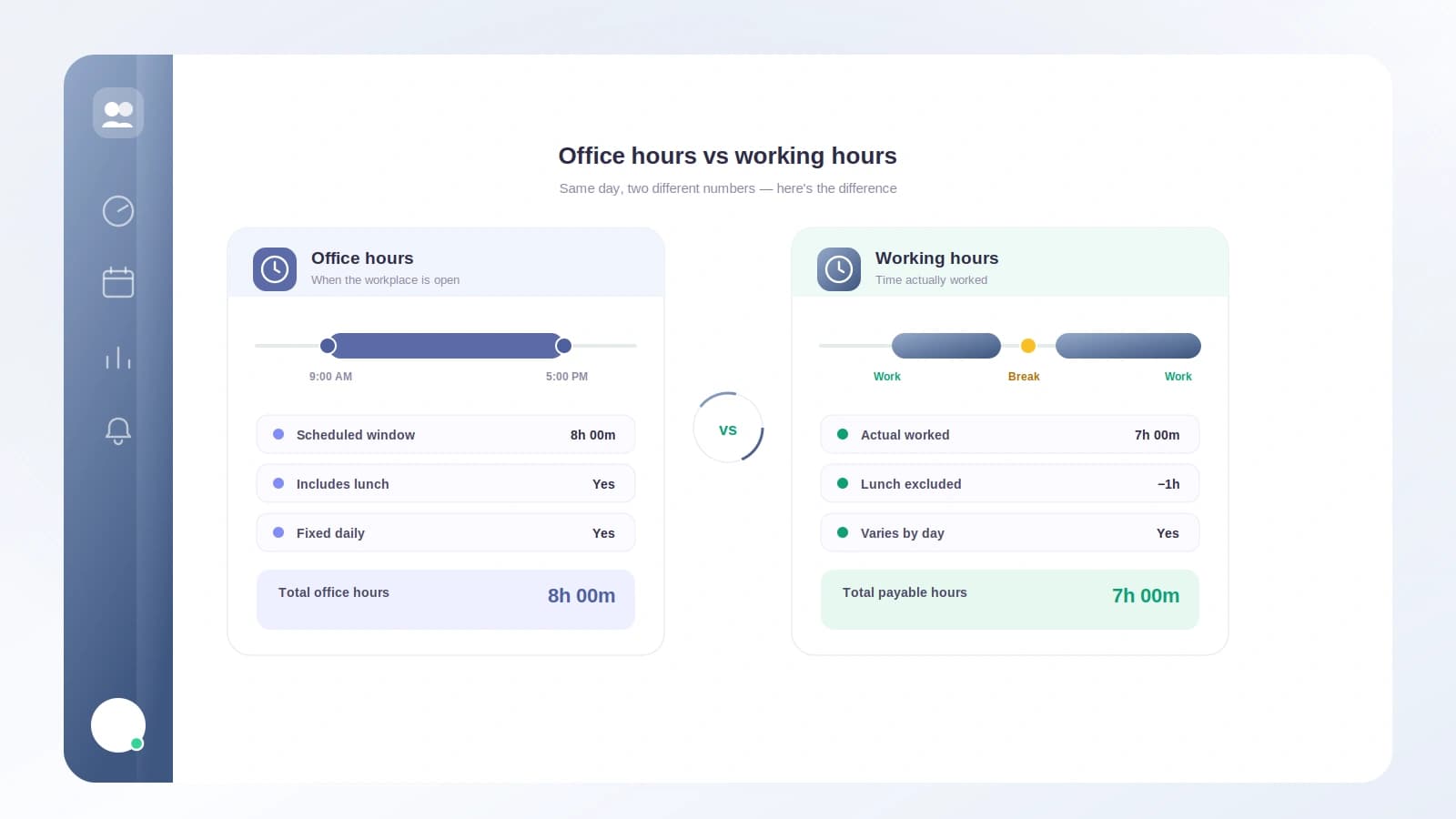
One of the most common policy mistakes is treating "hours at the desk" and "hours you pay for" as identical. They usually are not. A nine-hour office span with an unpaid lunch is an eight-hour paid day.
Tickin keeps these separate on purpose. Your daily working hours is the payable value, and you can:
- Auto-track it from the office span, or
- Set it manually (for example, 8 hours with an unpaid lunch).
That payable number feeds overtime, monthly required hours, and payroll. Your monthly required hours is then daily working hours multiplied by working days, or a manual override if you prefer a fixed target. Getting this split right in the policy prevents disputes later.
Set a fair, written grace period
People hit traffic. Buses run late. A rigid "one minute late is late" rule feels punitive and erodes trust. A written grace period signals that you are reasonable, while still keeping a clear line.
Tickin ships with the grace period off by default, so you opt in deliberately. You can allow a late arrival of 0, 5, 10, 15, 20, 30, 45, or 60 minutes (15 is the default). An arrival counts as late only when the clock-in, measured in your workspace timezone, lands after the start time plus the grace window. Decide the number as a team, then put it in writing so it applies to everyone equally.
Be consistent for everyone
Fairness comes from applying the same rule to every person, not from bending it case by case. That means one shared definition of the working day.
Your working days and timezone are set once, per workspace, in Tickin. Everyone is measured against the same start time, the same grace window, and the same working-day calendar. Employees can clock in from Slack, the browser, or the desktop app, and each clock-in is judged by that single shared standard. No special cases, no quiet exceptions.
Make the day visible
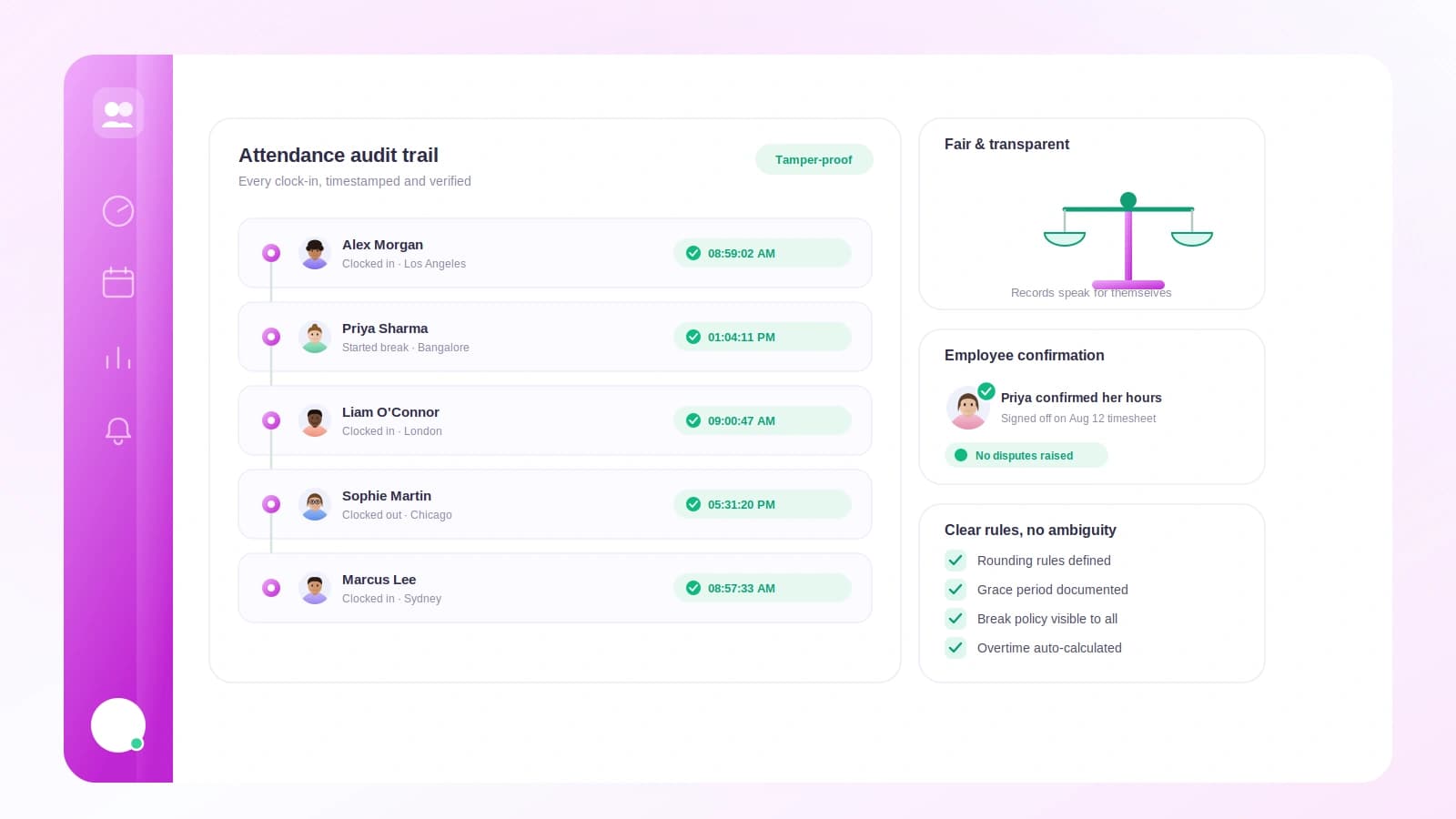
People behave differently when they can see their own record. Transparency removes the "gotcha" feeling and lets employees self-correct before anyone needs to say anything.
In Tickin, employees can see their own day: when they clocked in, how it maps against the schedule, and where they stand. Because the rules are visible and consistent, the record becomes a shared source of truth rather than a manager's private ledger.
Keep enforcement humane
The final principle is the most important: a policy is a conversation, not a punishment machine. When someone is repeatedly late, a quick, kind check-in usually solves it.
Tickin supports this with optional late-arrival alerts to Slack or Microsoft Teams (when connected and selected). Alerts respect your workspace timezone, fire only on working days, skip public holidays, and send at most one per employee per working day. Think of it as a gentle nudge for a manager to follow up, not an automated verdict.
The takeaway
Write your policy in plain language, keep the schedule and payable hours distinct, agree a grace period, and apply everything consistently through one shared workspace setup. Make each person's day visible to them, and use alerts as a prompt for a human conversation rather than a penalty. Do that, and your attendance policy will feel fair, which is exactly what makes it work.