Timezone-Aware Attendance: Getting Clock-Ins Right Across Regions
Judge lateness and working days by one consistent workspace timezone, so clock-ins stay fair across regions and survive daylight saving.
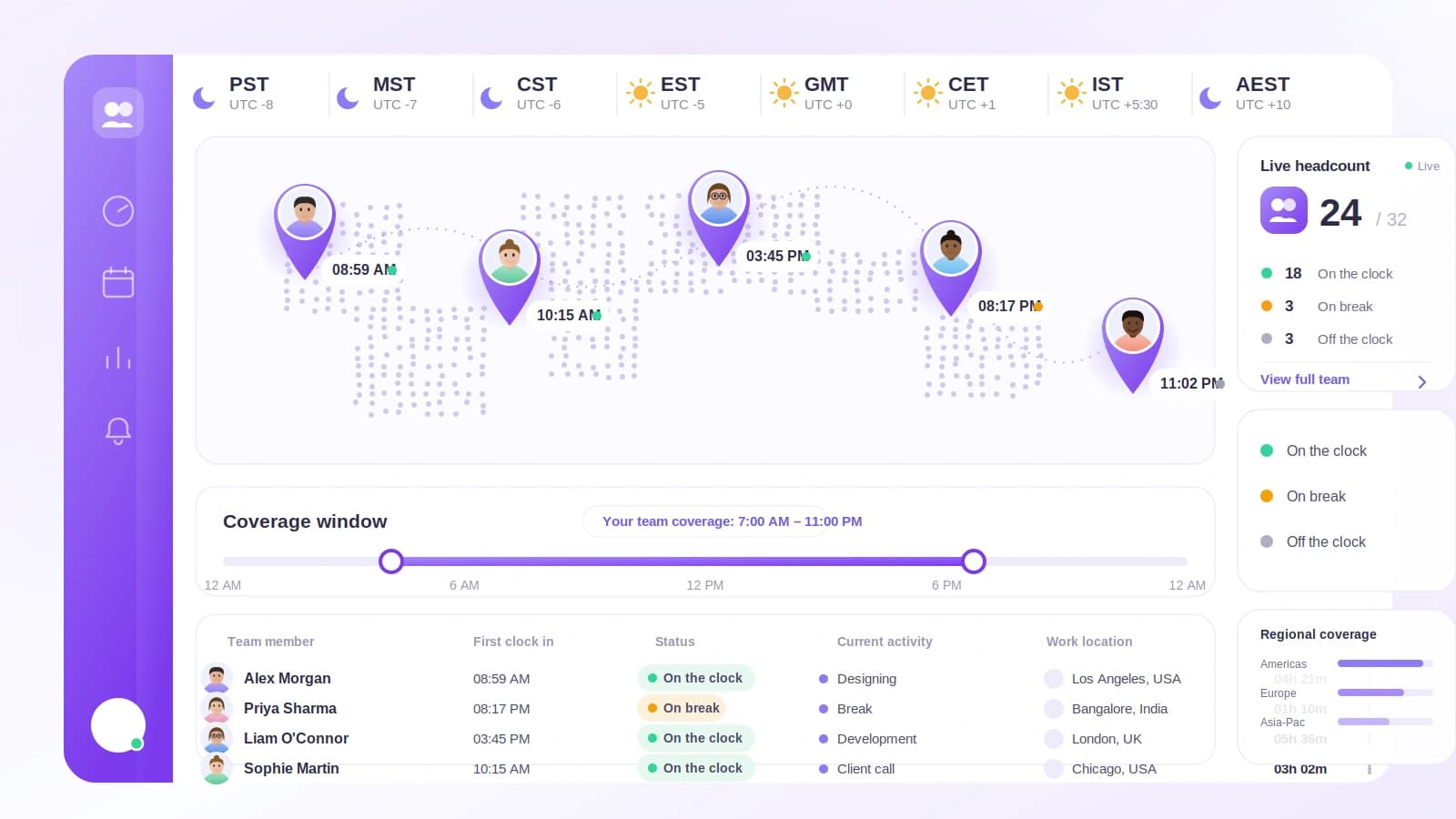
If your team spans more than one region, attendance quietly gets harder. A "9am start" sounds simple until you ask: 9am where? On whose clock? When a system answers that question inconsistently, on-time people look late, late people slip through, and everyone loses a little trust in the numbers.
Tickin solves this by evaluating attendance in one workspace timezone. Here is why that matters and how it works in practice.
The pitfall: "9am" is not a single moment
The trouble starts when a system evaluates clock-ins in the server's timezone or a fixed UTC offset. If your server thinks in UTC and your office start is 9am, then a 9am rule can mean very different real moments depending on where the check happens. Two people clocking in at the same local instant can be judged differently, and the results drift twice a year when daylight saving shifts the offset.
Fixed offsets (like "UTC+5") make this worse, because they cannot follow daylight saving on their own. A rule written for winter silently becomes an hour off in summer. Attendance data built on that foundation is hard to defend when someone asks why they were marked late.
The fix is a single source of truth: pick one timezone for the whole workspace and evaluate everything against it.
How Tickin keeps everyone on the same clock
In Tickin you set a timezone per workspace in Settings. From there, the core attendance logic is anchored to that zone:
- Lateness is measured in the workspace timezone: late means a clock-in after your office start (plus grace, if enabled).
- "Today" and working-day boundaries are resolved in that zone, so a shift near midnight lands on the correct day.
- Daily, weekly, and monthly scheduling all reference the same workspace timezone.
- Daylight saving is handled with proper timezone logic rather than a frozen offset, so spring and autumn changes do not quietly break your rules.
Your office hours (say 09:00 to 18:00) describe the expected schedule and drive lateness and display. Daily working hours, the payable value used for overtime and payroll, are configured separately. Both are read through the same workspace clock, so what you see and what you pay stay consistent.
Grace periods and late-arrival alerts
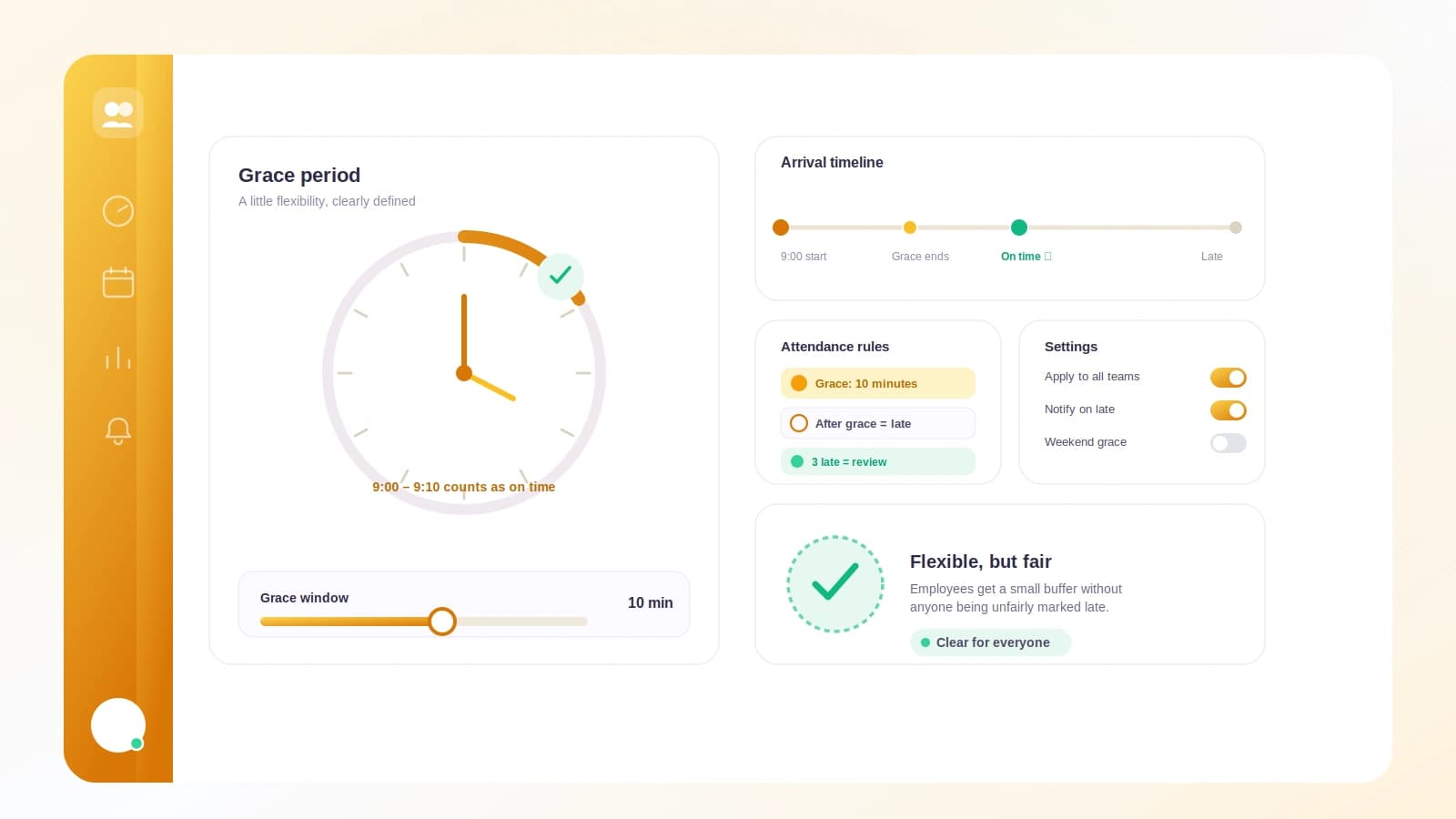
Grace is off by default. When you turn it on, you choose an allowed late window from 0, 5, 10, 15, 20, 30, 45, or 60 minutes (the default is 15). A clock-in only counts as late once it passes office start plus that grace, all measured in the workspace timezone.
Late-arrival alerts go to Slack or Microsoft Teams, whichever you have connected and selected. Because they run on the workspace clock, they behave sensibly:
- They fire only on your configured working days.
- They skip public holidays.
- They send at most one alert per employee per working day.
Employees can clock in from Slack, the browser, or the desktop app, and every one of those entries is judged by the same standard.
A practical takeaway
Consistency beats cleverness here. You do not need separate clocks for separate people; you need one shared clock everyone is measured against, plus rules that respect real working days and holidays. Set your workspace timezone once, decide whether a grace period fits your culture, and let attendance, lateness, and working-day boundaries all resolve in that single zone. Do that, and your clock-ins stay fair across regions, your alerts stay relevant, and your attendance data holds up the next time someone asks how it was calculated.