How to Track Attendance for a Remote Team (5 Methods Compared)
Compare five ways to track attendance for a remote team, from honor systems to GPS verification, with a worked example and tips to stay fair.
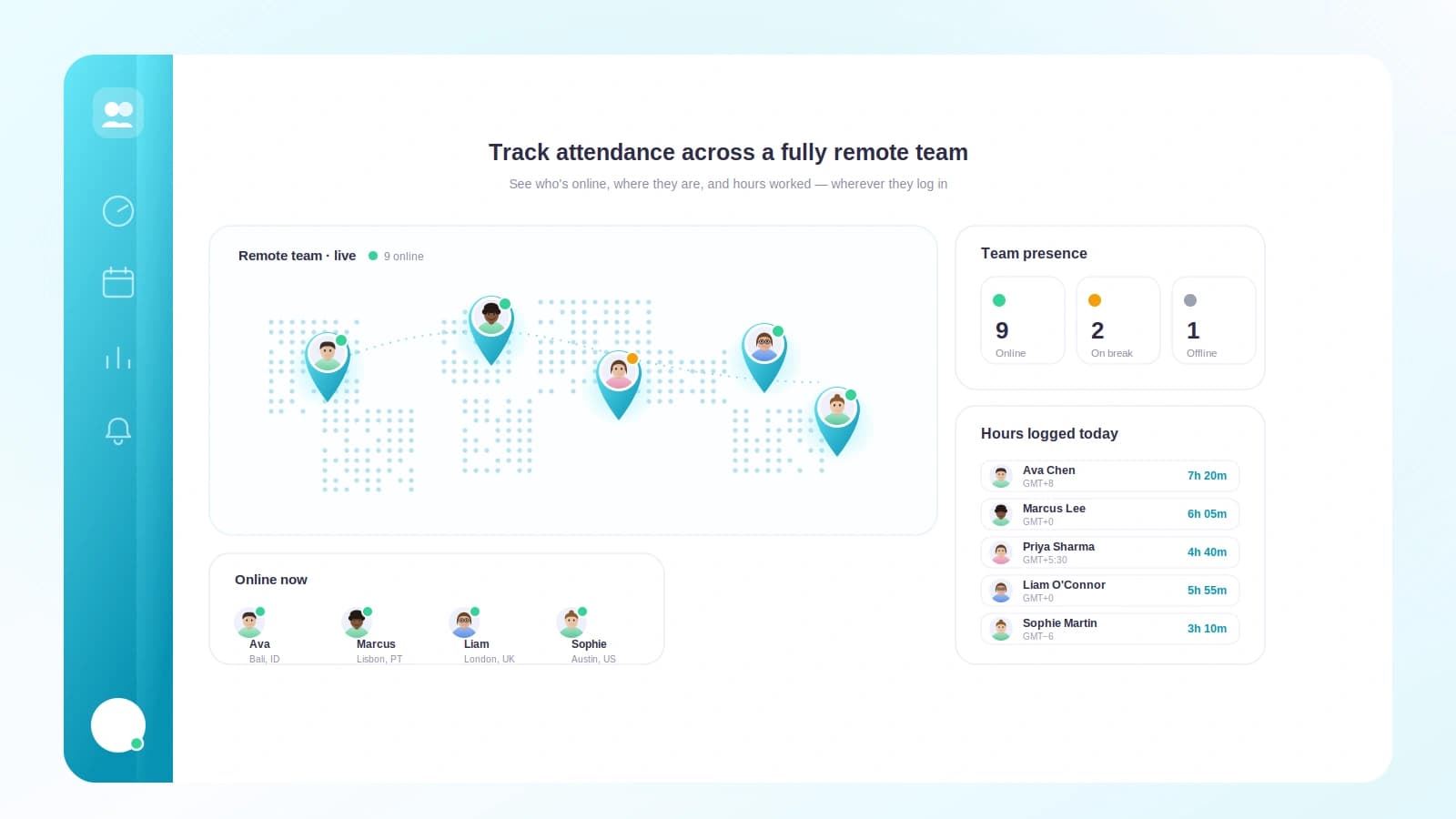
Last winter a founder I know realized she had no idea whether her support team was actually covering the hours customers were writing in. Nobody was slacking off. But two people were quietly working 6am to 2pm, the queue went dark every afternoon, and she only found out when a customer complained about a twelve-hour reply gap. Her team wasn't the problem. Her lack of an attendance record was.
That is what remote attendance is really about. Not catching people. Knowing what is happening so you can staff, plan, and pay fairly.
TL;DR
- For remote teams, attendance means a record of who worked and when, not who was physically present.
- There are five common methods, from an honor system up to GPS and desktop verification, and each fits a different kind of team.
- Most office-style remote teams are best served by a chat clock-in or a dedicated app, not surveillance tooling.
- The goal is coverage and fairness, so track start and end times and hours, not activity minute by minute.
- Start light, review weekly, and only add stricter verification if you have a real compliance reason.
What attendance means when nobody shares an office
In an office, attendance is almost accidental. You see who walked in. A badge reader logs the door. For a distributed team, none of those signals exist, so you have to decide on purpose what you are recording.
Three things usually matter:
- Coverage. Are the hours you promised customers or teammates actually staffed?
- Fairness. Is one person carrying more hours than everyone assumes?
- Records. If someone disputes pay or a leave balance, can you show what happened?
Notice what is missing from that list. Nothing about proving effort or measuring productivity. Attendance is a boundary of time, not a judgment of work. Keeping those two ideas separate is the single most important thing you can do here.
Attendance vs surveillance
The line is simpler than it sounds. Attendance says "Amir worked roughly 9 to 5 on Tuesday." Surveillance says "Amir typed 41 words per minute and switched tabs 60 times." One helps you run a business. The other quietly tells your team you do not trust them, and good people leave over it.
You can build a genuinely useful attendance system that never takes a screenshot or logs a keystroke. Most teams should.
The five methods, compared
Here are the five approaches distributed teams actually use, from lightest to strictest.
| Method | How it works | Effort to run | Trust signal | Best for |
|---|---|---|---|---|
| Honor system | People self-report hours informally | Very low | High trust | Tiny teams, high autonomy |
| Spreadsheet | Everyone logs times in a shared sheet | Medium, manual | Neutral | Early teams on a budget |
| Chat clock-in | Clock in and out inside Slack or similar | Very low | Positive | Most remote office teams |
| Dedicated app | Purpose-built attendance and timesheets | Low once set up | Neutral to positive | Growing teams, payroll needs |
| GPS or desktop verification | Location or device confirms presence | Higher, needs consent | Can feel like surveillance | Field, shift, or regulated work |
Let's walk through when each one earns its place.
1. The honor system
No tool at all. People say they worked, and you believe them. For a team of three co-founders this is honestly fine, and pretending otherwise wastes energy. The problem is memory. Ask someone how many hours they worked three weeks ago and you get a shrug. It breaks the moment you need to reconcile pay or spot uneven coverage.
2. The shared spreadsheet
A step up. One tab per person, columns for date, start, end, break, and total. It costs nothing and everyone knows how to use it. It also rots fast. People forget to fill it in, formulas break, and someone eventually types over a formula and nobody notices for a month. It works as a stopgap, not a system. Our guide to time tracking for small businesses walks through where spreadsheets stop scaling.
3. The chat clock-in
This is where most remote teams should live. Your team is already in Slack or a similar tool all day, so clocking in is a message or a slash command. No new login, no new tab, no friction. You get clean timestamps automatically, and people barely notice they are doing it.
Because it lives where work already happens, adoption is close to painless. If you use Slack, see how to track time in Slack for the mechanics.
4. The dedicated attendance app
When you need timesheets that feed payroll, leave balances that stay in sync, and reports you can hand to an accountant, a purpose-built app pays off. It centralizes attendance, breaks, and time off in one place, and it usually connects to your chat tool so you still get the low-friction clock-in. This is the natural home once headcount and payroll complexity grow.
5. GPS or desktop verification
The strictest option. GPS confirms someone clocked in from an approved location. Desktop tracking confirms a machine was active. These are the right tools for a narrow set of jobs: field technicians, delivery crews, shift workers with strict labor compliance, or contracts that legally require proof of on-site hours.
For a typical remote office team, they are overkill and they damage trust. Reach for them only when a real regulatory or client requirement forces your hand, and always with clear consent. Employee monitoring sits inside a wider legal and ethical debate worth understanding before you adopt it; the overview on employee monitoring is a good starting point.
A worked example: staffing a support window
Numbers make this concrete. Say you run support and promise coverage from 9am to 6pm in your customers' main time zone. You have four agents across three countries.
You switch on a chat clock-in and review one week. Here is what the timestamps show, normalized to your coverage window.
| Agent | Clock in | Clock out | Hours | Notes |
|---|---|---|---|---|
| Priya | 9:02 | 17:30 | 8.5 | Steady |
| Marco | 6:15 | 14:20 | 8.1 | Ends 4h before window closes |
| Lena | 11:40 | 20:05 | 8.4 | Starts late, covers evening |
| Sam | 9:05 | 17:00 | 7.9 | Steady |
Add it up. Everyone is working a full, fair day. Nobody is a problem. But look at the window. From 6pm no one is on, and Marco's early finish means your 2pm to 6pm block leans on just two people while the morning has three. The gap the founder in the opening story hit is right there in the data.
The fix is not to demand identical schedules. It is to nudge Marco half an hour later or ask Lena to start earlier, and suddenly your window is covered without anyone working more. That is attendance data doing its actual job: not policing people, but revealing the shape of the day so you can adjust it. Pair this with clear leave management for small teams and you can see coverage and planned absences in one view.
Choosing your method
A short way to decide:
- Under five people who trust each other? Honor system, and skip the guilt.
- Tight budget, need a record? Spreadsheet, knowing you will outgrow it.
- Live in a chat tool all day? Chat clock-in, almost always the right call.
- Payroll, leave, and reporting getting complex? Dedicated app.
- Field, shift, or regulated work with a compliance need? GPS or desktop verification, with consent.
Most teams start at one and end up at three or four. Very few genuinely need five.
Doing this in Tickin
Tickin is built for exactly this middle ground: a real attendance record without the surveillance baggage.
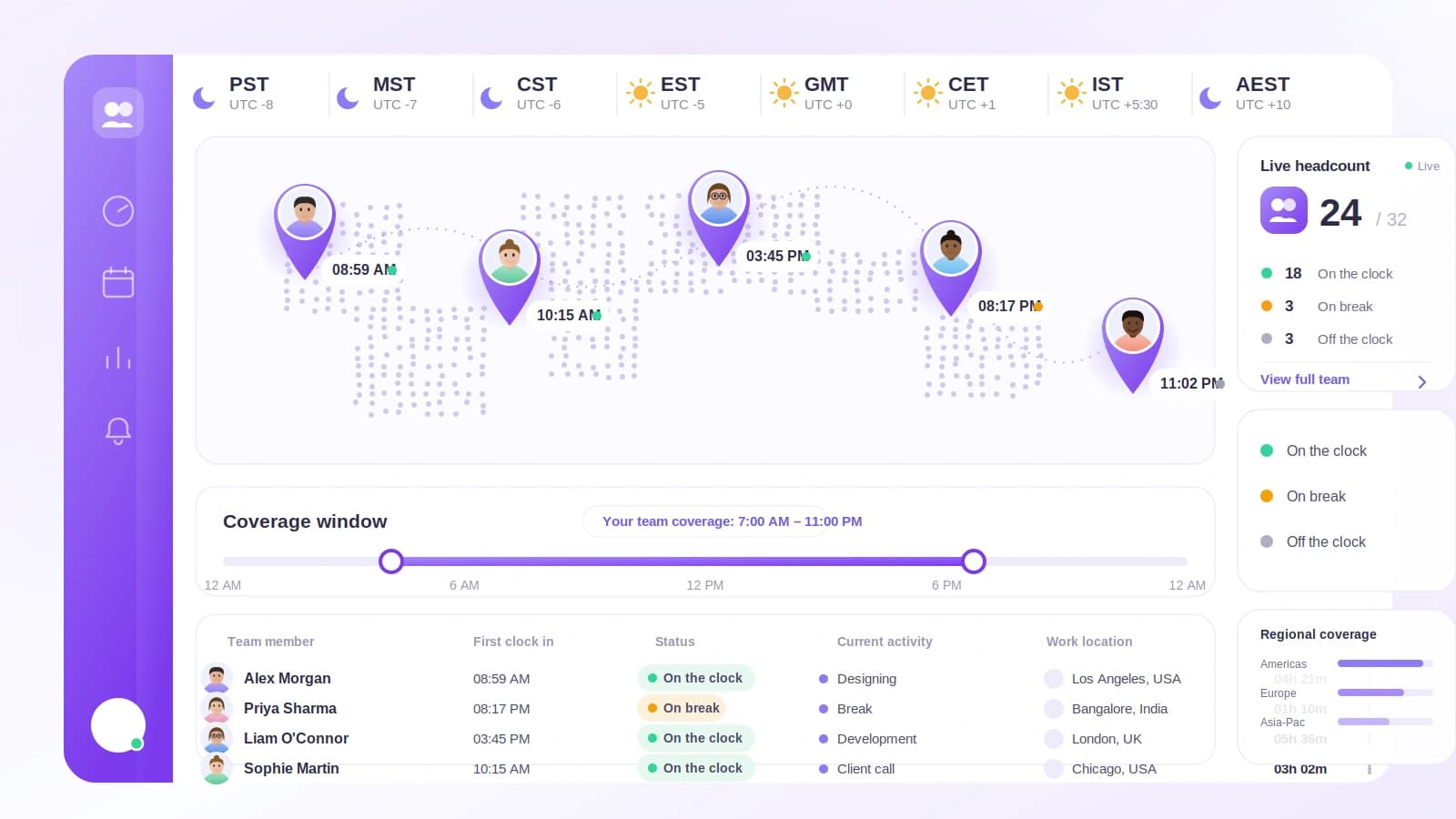
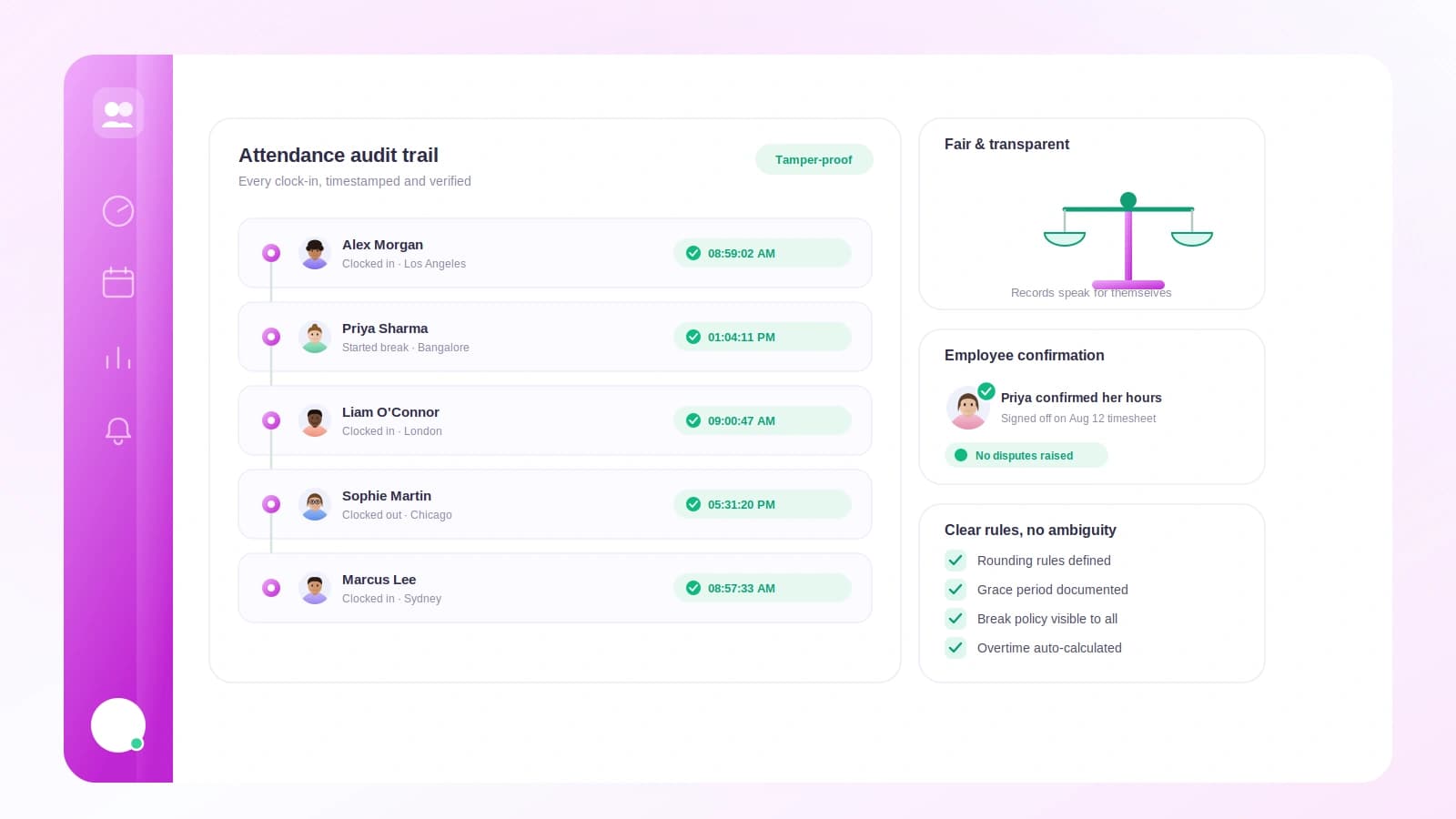
Your team clocks in and out from Slack or Microsoft Teams with a single message, so there is nothing new to learn and no extra login. Every clock-in carries a timestamp, so working across time zones just works. You see hours, breaks, and time off in one dashboard, and it feeds timesheets and payroll without a spreadsheet in sight. If you have a genuine field or compliance need, optional desktop and GPS verification are there, off by default, so you turn them on only when the work truly calls for it.
Tickin is free for up to 10 people, then $2 per employee each month on Starter. You can see the full picture on the features page or just start for free and clock in your first day this afternoon.
Frequently asked questions
What does attendance even mean for a remote team?
It usually means a record of who was working and when, not physical presence. For most remote teams it comes down to start and end times, breaks, and time off rather than badging into an office.
Is tracking remote attendance the same as surveillance?
No. Attendance answers whether someone worked and roughly when. Surveillance monitors how they work, minute by minute. You can run a healthy attendance system without screenshots or keystroke logging.
Do I need GPS or desktop tracking for a remote team?
Rarely. GPS and desktop verification suit field or shift work with strict compliance needs. Most office-style remote teams do fine with a chat clock-in or a dedicated app.
How do I track attendance across time zones?
Record every clock-in with a timestamp and let the tool normalize it. Compare hours worked and consistency instead of expecting everyone online at the same wall-clock time.
What is the easiest way to start tracking remote attendance?
Start with a chat clock-in your team already uses, like Slack. It takes seconds per person, needs no new login, and gives you clean timestamps you can review weekly.
Where to go from here
Remote attendance is not about proving your team works. It is about seeing the shape of the day clearly enough to staff it, pay it, and protect people from quietly carrying too much. Start with the lightest method that gives you a real record, review it weekly, and only tighten verification if a genuine requirement appears.
Pick one method this week and try it for five working days. When you are ready to make it effortless, start free with Tickin and clock in your first shift today, then read how to track time in Slack to wire it into the tool your team already lives in.