Microsoft Teams HR Automation: Run Everyday HR Where Your Team Already Works
Turn Microsoft Teams into your HR hub. Employees clock in, take breaks, and request leave from Teams while managers approve leave from interactive cards.
Most HR software asks people to stop what they are doing, open another tab, log in, and hunt for the right button. For a team that lives in Microsoft Teams all day, that friction is exactly why attendance gets logged late and leave requests pile up unanswered. The fix is not more training. It is bringing HR to where the work already happens.
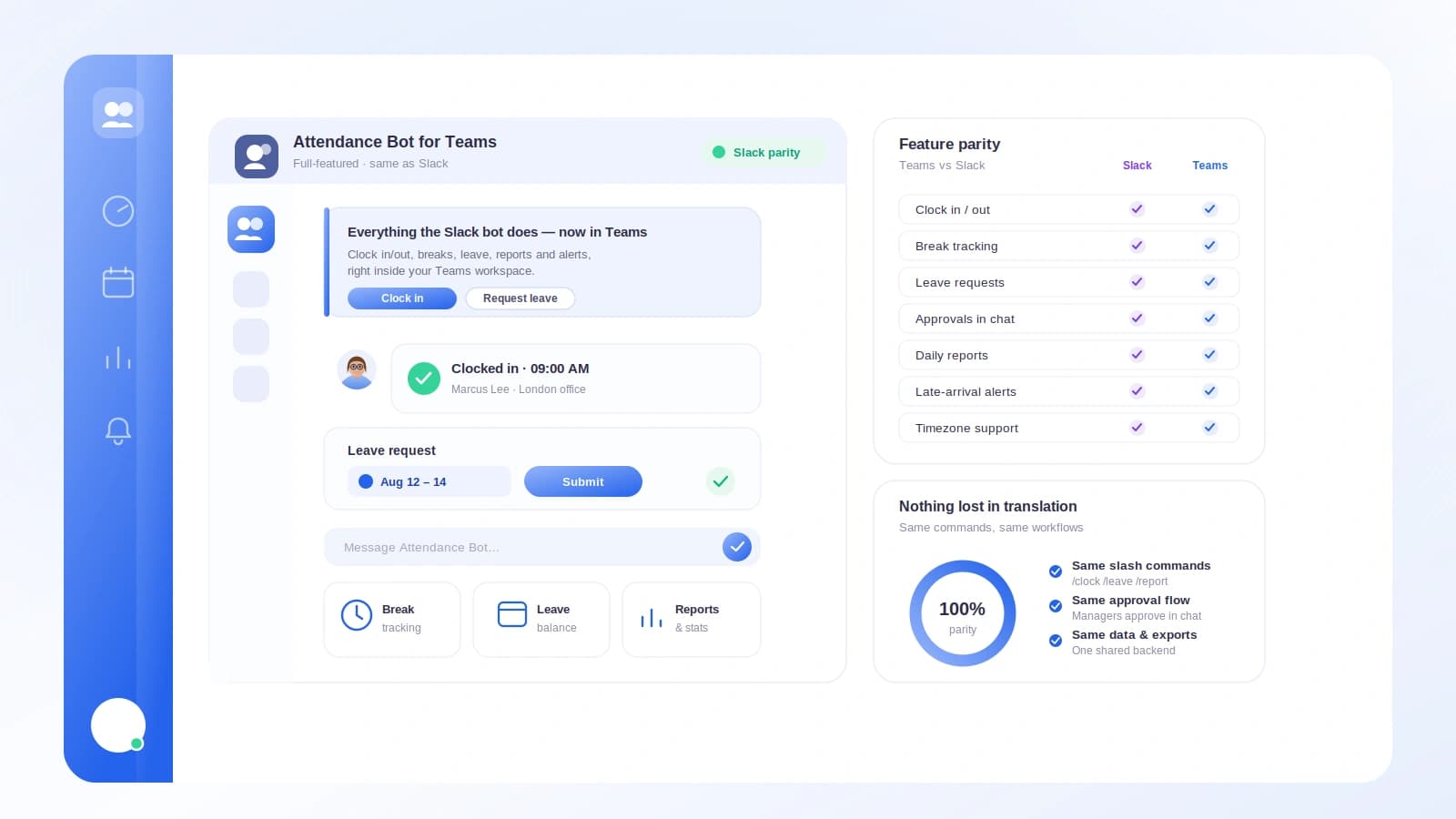
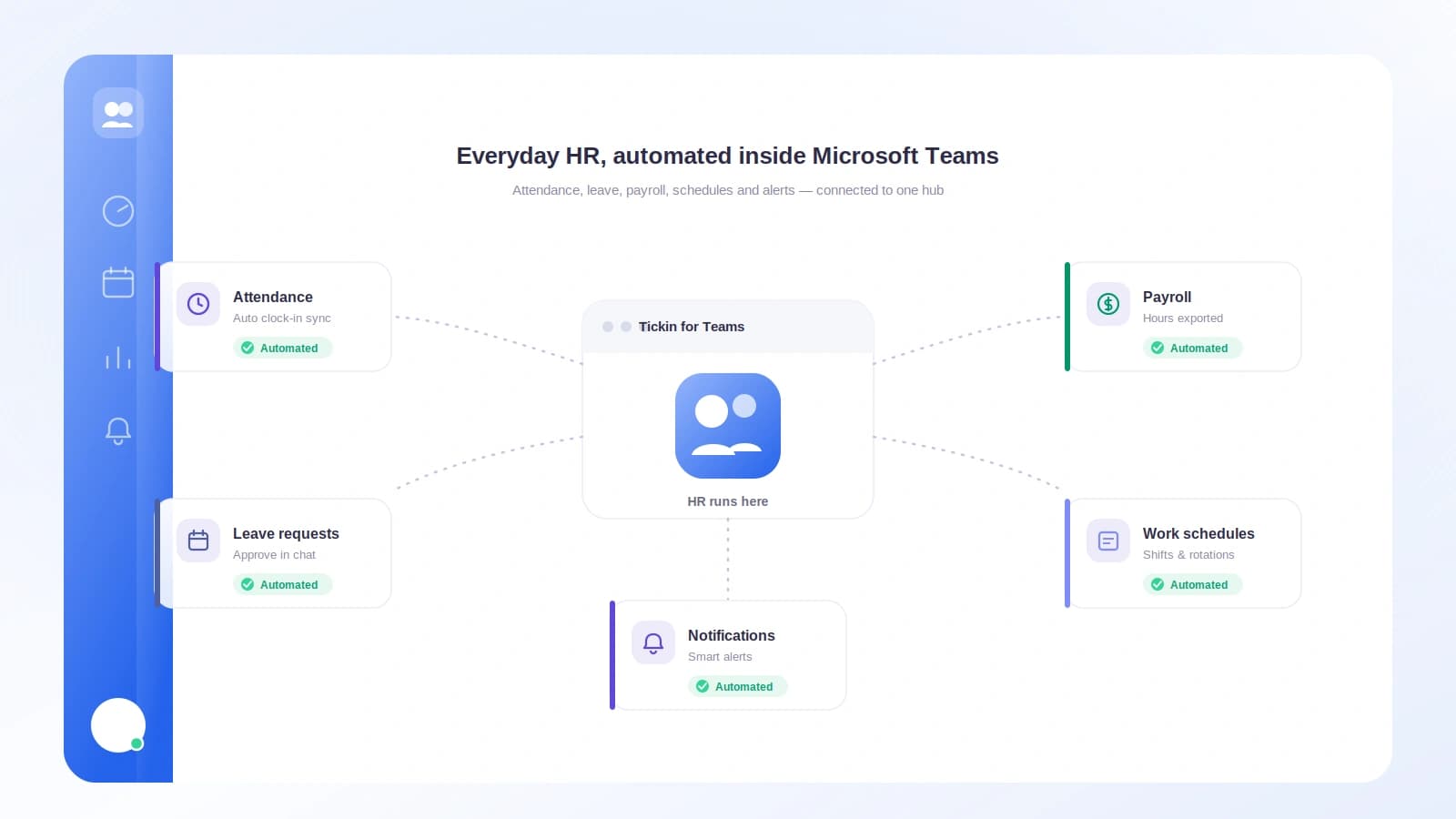
With the Microsoft Teams feature, everyday HR runs inside the same chat window your team already keeps open. Employees clock in, take breaks, check their status, and request time off from Teams. Managers approve or decline leave from interactive cards. And every one of those actions quietly feeds the numbers that matter, so nothing has to be re-entered later.
Clock in and out without leaving the conversation
The most repeated HR action in any company is also the smallest: starting and ending the workday. When that action lives in a separate system, it becomes the thing people forget. When it lives in Teams, it becomes as natural as sending a message.
From Microsoft Teams your employees can:
- Clock in at the start of the day
- Clock out when they finish
- Take breaks and end them
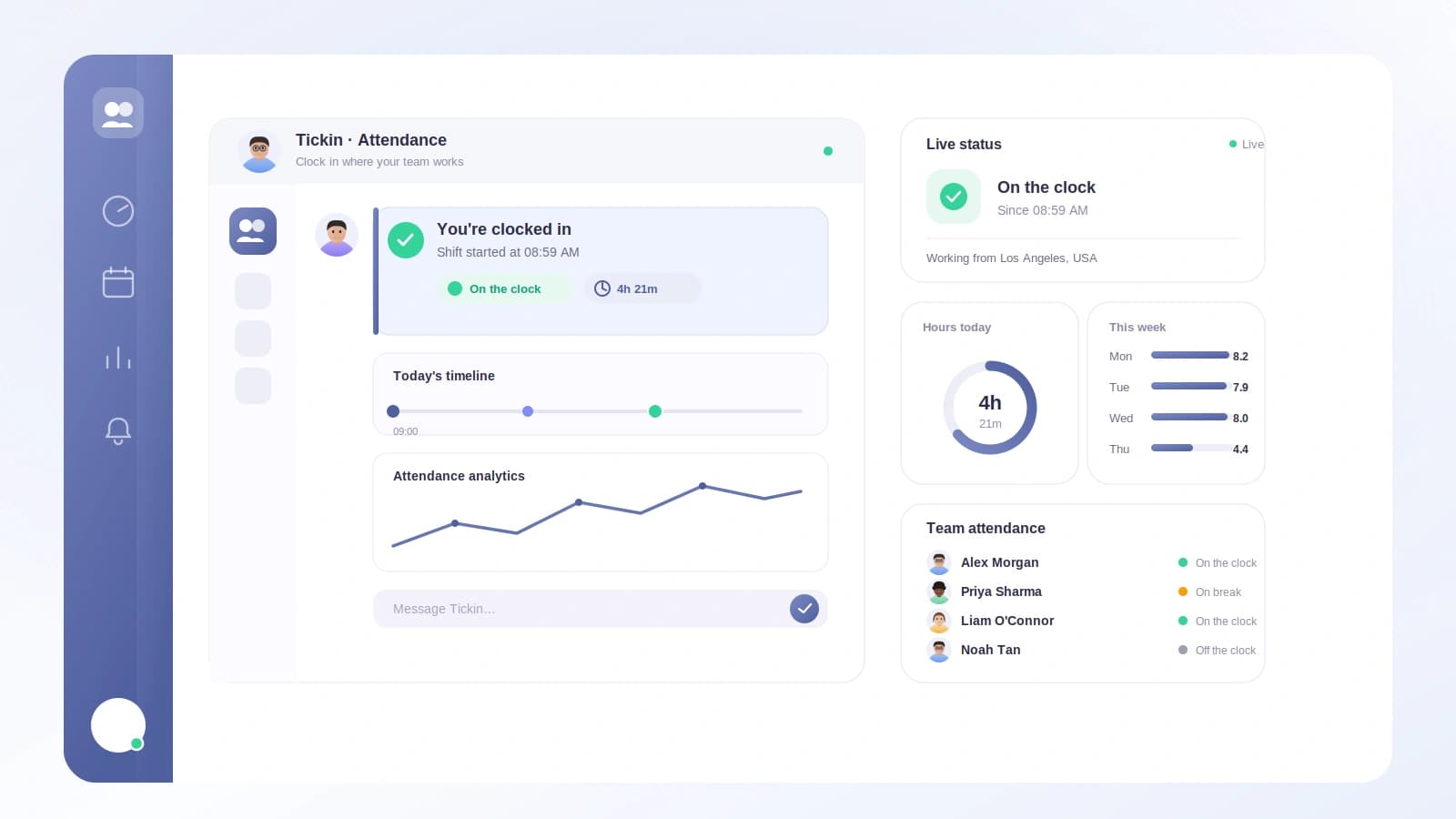
- Check their current status at any moment
There is no new app to install and no fresh password to remember. The person is already signed in to Teams, and that is where they do the one thing HR needs from them daily. Removing the tab switch is not a cosmetic win. It is the difference between attendance that reflects reality and attendance that reflects whoever remembered to log in.
Leave requests and approvals as interactive cards
Time off is where most HR tools generate the most email. An employee submits a request, a manager gets a notification, the manager opens a portal, finds the request, reads it, and clicks approve. Every step is a chance for the request to sit untouched.
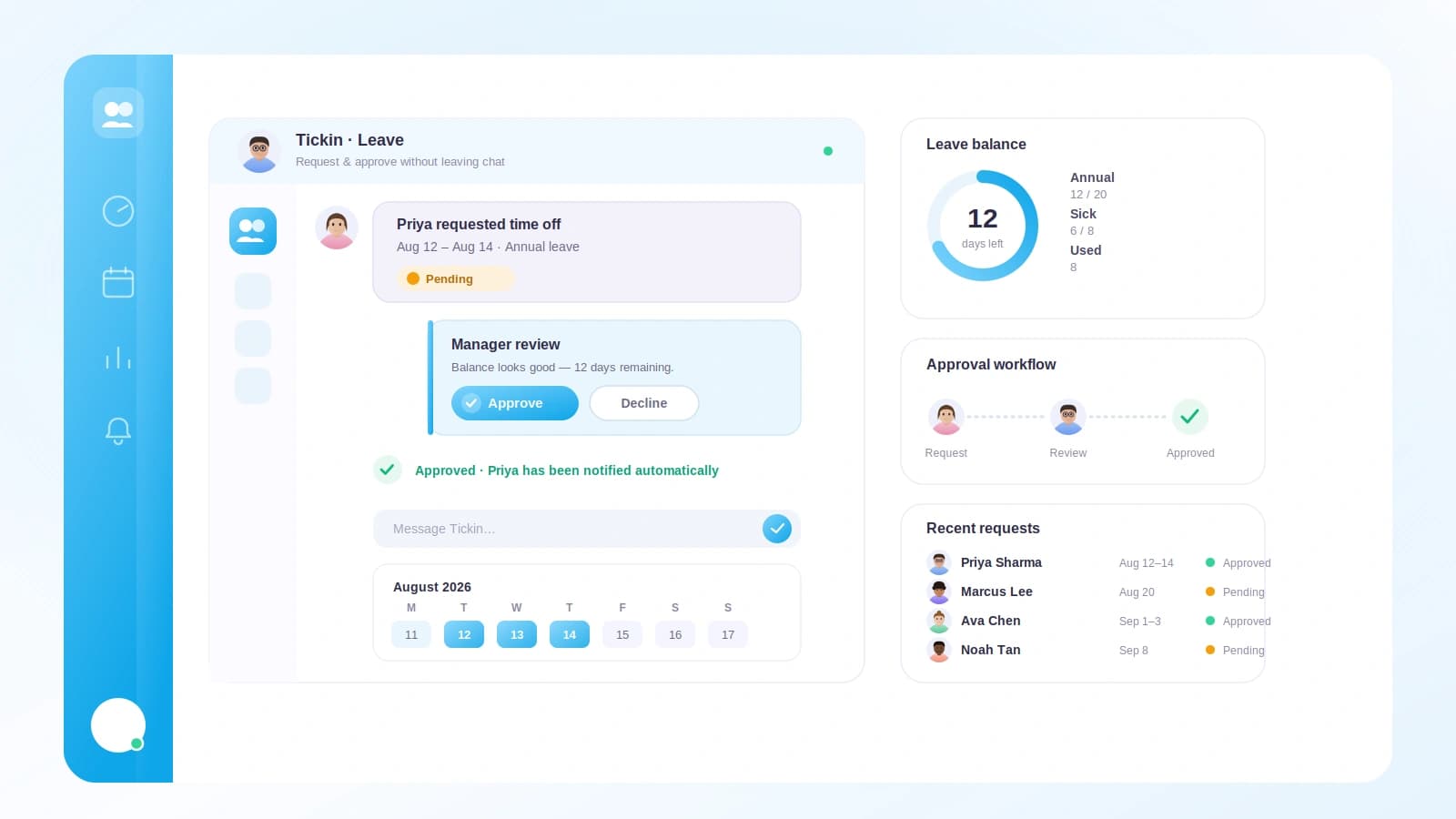
Running leave management through Teams collapses that chain. An employee requests leave from Teams. The manager receives an interactive card and approves or declines it right there in the conversation. The decision happens in seconds, in the same place the manager already reads messages, without a single portal login.
That immediacy changes behavior. When approving leave is one tap inside a chat that is already open, managers actually do it when the request arrives rather than batching it for "later." Employees get answers faster, and the whole request-and-response loop stops living in someone's inbox.
Late arrivals surface in Teams, quietly
Attendance is not only about who clocked in. It is also about knowing when something is off, without turning it into a public callout. When someone arrives late, the late-arrival notice reaches the manager in Teams.
This keeps the manager informed in real time and in a private, ordinary channel of communication. There is no report to run at the end of the week to discover a pattern that has already been happening. The signal comes to the person who can act on it, when it still matters, and it does so quietly inside the tool they are already watching.
A live feed for the whole channel
Alongside the private manager notices, a live clock-in and clock-out feed can post to a Teams channel. For teams that value shared visibility, this turns the ordinary rhythm of the day into something the group can see: who has started, who has wrapped up, how the day is flowing.
This is optional and it is a live feed, not a scheduled digest. If your team wants ambient awareness of attendance without anyone having to ask "is everyone in yet?", the channel feed provides it. If you would rather keep things low-key, you simply do not turn it on.
Everything flows into hours and payroll automatically
Here is the part that makes the convenience actually count. All of this Teams activity is not a parallel record that someone reconciles later. Attendance and leave feed monthly hours and payroll automatically.
That means the clock-in an employee tapped in Teams this morning, and the leave a manager approved from a card this afternoon, become part of the same numbers that drive pay at month end. There is no export, no copy-paste, and no second system to keep in sync. The chat action is the source of truth.
This is the quiet payoff of running HR where people already are. Because the friction to log attendance is near zero, the data is more complete. And because that data flows straight into hours and payroll, complete data means accurate pay without extra admin work.
An honest note on scheduled reports
It is worth being precise about one thing so you can plan correctly. The automated scheduled Daily Leave and WFH report currently posts to Slack, not Teams. If a recurring daily digest of who is off and who is working from home is central to your routine, that scheduled report is a Slack feature today.
Inside Teams you get the live pieces: real-time clock-in and clock-out feeds, late-arrival notices to managers, and interactive leave cards. If you are weighing which chat platform to build your attendance workflow around, it is worth reading how the two compare in Slack vs Microsoft Teams for attendance and, separately, how the scheduled digest works in our guide to automating your daily leave and WFH report. Being clear about this now saves a surprise later.
How the Teams integration is set up
The Microsoft Teams integration runs on a per-tenant Azure Bot and is available on the Scale tier. A per-tenant bot means your organization's Teams HR automation is scoped to your own workspace rather than shared infrastructure. It is the foundation that lets clock-ins, leave cards, and notices flow between Teams and your attendance records securely.
Because the bot is dedicated to your tenant, the messages and cards your people interact with belong to your organization, and the data those actions produce stays tied to your account as it feeds hours and payroll.
Why this matters for adoption
Every HR tool promises to save time. Most of them lose that time back at the point of entry, because they ask people to leave their workflow to comply. The value of running HR from Microsoft Teams is not a longer feature list. It is that the features live where attention already is.
An employee who never has to switch tabs clocks in reliably. A manager who approves leave from a card in an open chat does not let requests age. A late arrival that shows up as a Teams notice gets noticed. And because all of it feeds hours and payroll automatically, the reliability at the edges turns into accuracy at the center. That is what everyday HR automation should feel like: less like software you operate, and more like the work simply keeping its own record.
Frequently asked questions
Can employees clock in and out from Microsoft Teams?
Yes. From Microsoft Teams your employees can clock in, clock out, take breaks, and check their current status without leaving the chat window they already have open all day.
How do managers approve leave requests in Teams?
When an employee requests leave, the manager receives an interactive card in Teams and can approve or decline it directly from that card. There is no separate portal login required for the decision.
Does Teams activity flow into payroll?
Yes. Attendance and leave captured through Teams feed monthly hours and payroll automatically, so the clock-ins and approvals you handle in chat become the numbers behind pay.
Are the scheduled Daily Leave and WFH reports available in Teams?
Not yet. The automated scheduled Daily Leave and WFH report currently posts to Slack. Teams supports live clock-in and clock-out feeds and late-arrival notices, but the scheduled daily digest is a Slack feature today.